

Requirements
GTChat needs Perl 5.34 or later with its core modules. The bundled local gateway also needs Python 3. For a public installation, use a CGI-capable web server. Apache can run the CGI directly. Nginx can use fcgiwrap or proxy to an Apache backend.
GTChat stores its data in files. Avatar and smiley uploads require Linux prlimit and ImageMagick with PNG, JPEG, GIF and WebP support.
Run locally
- Open a terminal in your GTChat 1.0.0 source checkout.
- Create an installer key and start the bundled gateway.
umask 077 openssl rand -hex 32 > install.key ./tools/run-local.sh - Open http://127.0.0.1:8080/cgi-bin/chat.pl. Enter the contents of
install.key, accept the license and complete the setup.
Prepare the host
Use a dedicated site such as chat.example.com. Reserve /srv/gtchat/www for public static files and keep the rest of the tree outside the document root. Use a dedicated CGI account when the hosting stack permits it. That account needs to read the code, execute chat.pl, and write the runtime directories. The source can stay read-only to the account.
Check the interpreter in the chat.pl shebang, then confirm that the host can sustain a normal page request and a long-lived message request. If you plan to enable uploads, check the installed ImageMagick formats and the Linux process limit utility.
/usr/bin/perl -v
/usr/bin/perl -c /srv/gtchat/cgi-bin/chat.pl
chmod +x /srv/gtchat/cgi-bin/chat.pl
Apache HTTP Server 2.4
On Debian-derived systems, enable the CGI daemon module for a threaded MPM. With a non-threaded MPM use the appropriate CGI module. The example is an HTTP origin behind HTTPS termination. Keep the origin restricted to the local reverse proxy or a private network. If Apache terminates TLS itself, apply the same mappings in the HTTPS virtual host.
Replace the paths and hostname, validate with apache2ctl configtest, and reload. The exact ScriptAlias maps only chat.pl. Check for existing directory-wide aliases that might still expose the rest of the tree.
<VirtualHost *:80>
    ServerName chat.example.com

    DocumentRoot /srv/gtchat/www
    LogFormat "%t %m %U %>s %B %D" gtchat_path
    CustomLog /var/log/apache2/gtchat-access.log gtchat_path

    SetEnv GTCHAT_BASE_URL https://chat.example.com
    RedirectMatch 302 "^/$" "https://chat.example.com/cgi-bin/chat.pl"

    Alias /www/ /srv/gtchat/www/
    <Directory /srv/gtchat/www>
        Options -Indexes
        AllowOverride None
        Require all granted
    </Directory>

    ScriptAliasMatch "^/cgi-bin/chat\.pl$" "/srv/gtchat/cgi-bin/chat.pl"
    <Directory "/srv/gtchat/cgi-bin">
        Options None
        AllowOverride None
        AcceptPathInfo Off
        Require all denied
    </Directory>

    <LocationMatch "^/cgi-bin(?:/|$)">
        Require all denied
    </LocationMatch>
    <LocationMatch "^/cgi-bin/chat\.pl$">
        Require all granted
    </LocationMatch>
</VirtualHost>Nginx with Apache or fcgiwrap
Nginx can pass requests to a CGI-capable backend. With Apache behind Nginx, adapt the preceding Apache example to a loopback listener such as 127.0.0.1:8081, keep its public base URL at HTTPS, and use the following locations inside the Nginx TLS server.
# Inside the TLS server for chat.example.com
location = /cgi-bin/chat.pl {
    proxy_pass http://127.0.0.1:8081;
    proxy_set_header Host $host;
    proxy_set_header X-Forwarded-Proto https;
    proxy_http_version 1.1;
    proxy_buffering off;
    proxy_cache off;
    proxy_read_timeout 90s;
}
location ^~ /cgi-bin/ { return 404; }
location /www/ {
    alias /srv/gtchat/www/;
    autoindex off;
}
location = / { return 302 /cgi-bin/chat.pl; }
With fcgiwrap, use the fixed script path and the socket created by your local fcgiwrap service. Let the wrapped program and Nginx forward the response without buffering. Allow enough wrapper workers for long-lived streams and separate short requests. Replace the TLS termination, hostname and socket details to match your host.
log_format gtchat_path '$time_local $request_method $uri $status $body_bytes_sent $request_time';

server {
    listen 80;
    server_name chat.example.com;

    root /srv/gtchat/www;
    access_log /var/log/nginx/gtchat-access.log gtchat_path;

    location = / {
        return 302 https://chat.example.com/cgi-bin/chat.pl;
    }

    location = /favicon.ico {
        access_log off;
        log_not_found off;
        return 204;
    }

    location /www/ {
        alias /srv/gtchat/www/;
        autoindex off;
        try_files $uri =404;
    }

    location = /cgi-bin/chat.pl {
        include fastcgi_params;
        fastcgi_param SCRIPT_FILENAME /srv/gtchat/cgi-bin/chat.pl;
        fastcgi_param DOCUMENT_ROOT /srv/gtchat/www;
        fastcgi_param GTCHAT_BASE_URL https://chat.example.com;
        fastcgi_param NO_BUFFERING 1;
        fastcgi_buffering off;
        fastcgi_pass unix:/run/fcgiwrap.socket;
    }

    location ^~ /cgi-bin/Members/   { deny all; }
    location ^~ /cgi-bin/Rooms/     { deny all; }
    location ^~ /cgi-bin/Variables/ { deny all; }
    location ^~ /cgi-bin/Online/    { deny all; }
    location ^~ /cgi-bin/Temp/      { deny all; }

    location ~* \.(dat|msg|log|queue|oldqueue|pipe|id|user)$ {
        deny all;
    }

    location ^~ /cgi-bin/ {
        return 404;
    }
}
Validate with nginx -t before reloading. Keep the exact CGI route and the private directory restriction at both layers. Nginx FastCGI buffering
cPanel and WHM
- Create a subdomain for the chat. Confirm with the provider that Apache CGI and a compatible Perl interpreter are available for that site. Compare the actual shebang interpreter with the version requirement. cPanel’s internal Perl and the operating system’s Perl are separate.
- Ask the operator to map the exact chat endpoint to
chat.pland serve assets fromwww/. The provider may manage the built-incgi-scripthandler in WHM. Keep members, rooms, settings, and logs outside the public document root. - Set the HTTPS base URL and CGI account permissions. Run the installer and the request checks below. If the account is limited to a public CGI directory or buffers or terminates streams, check with the provider before opening the chat publicly.
Plesk Obsidian
- Add a Linux hosting site or subdomain. In Websites & Domains → Hosting Settings, verify CGI and Perl support with the subscription administrator. Use an Apache-backed hosting configuration for the CGI path.
- Have the administrator add the exact script and static mappings in the site's Apache and Nginx settings. Keep the private portion of the installation outside the document root. Verify that any Nginx proxy forwards the stream promptly.
- Set the HTTPS base URL and permissions for the actual CGI account. Walk through the installer and test a room conversation from two independent browser sessions.
Plesk Obsidian web scripting settings. Hosting panel procedures depend on the host’s subscription and available server settings.
First checks after installation
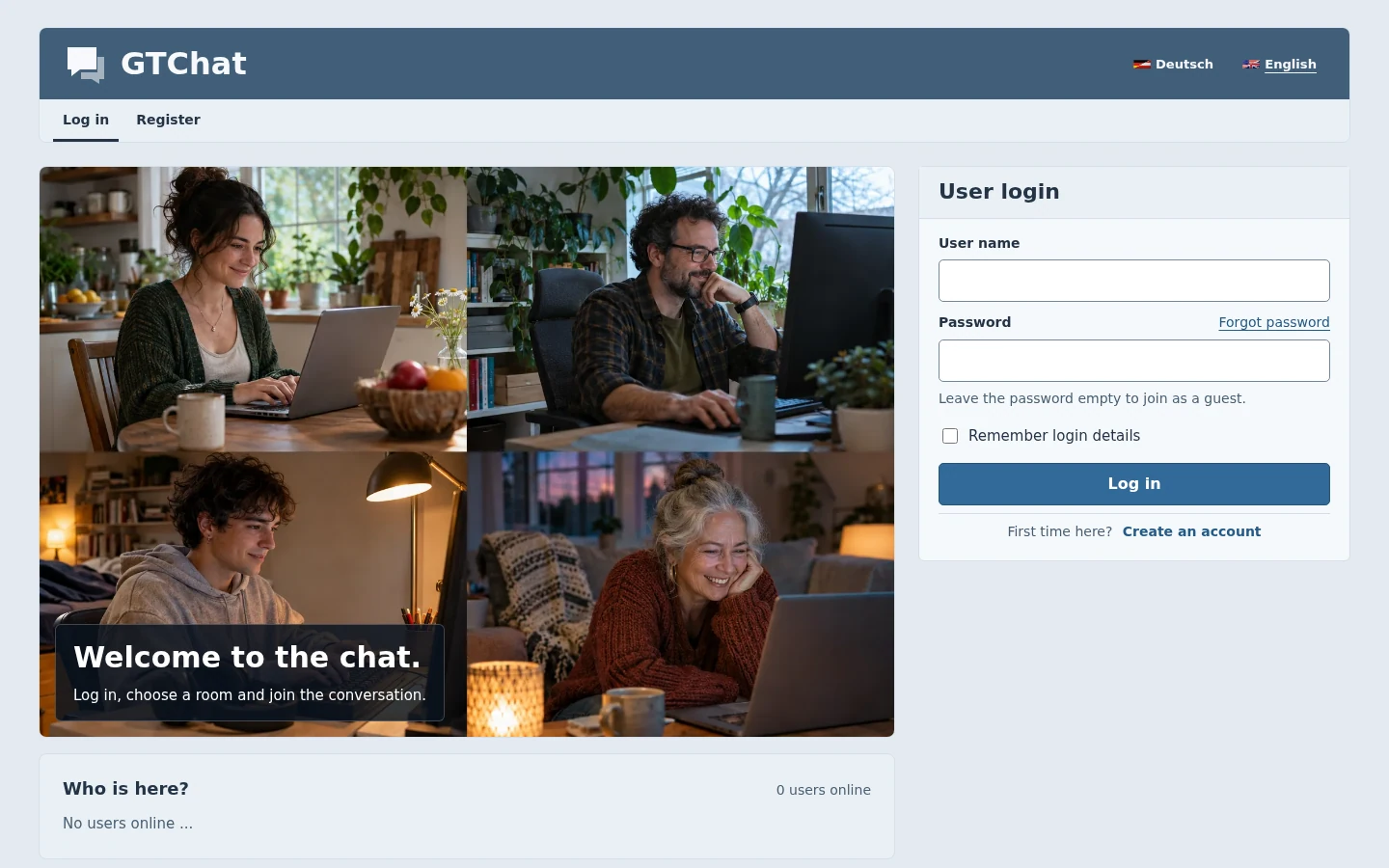
- Open the configured HTTPS URL and confirm the installer, sign-in page, stylesheet, and images load. The raw settings, logs, and member paths should return 403 or 404 when requested directly.
- Register a disposable test account. Confirm the appropriate email and approval steps. Sign in with two separate browser contexts and check public and private messages while both are online, then with one offline.
- Use the browser network panel to confirm timely event delivery through the intended upstream. Check errors at both proxy and CGI. Configure access logs to record the path without the query string on routes that can carry verification or recovery tokens.
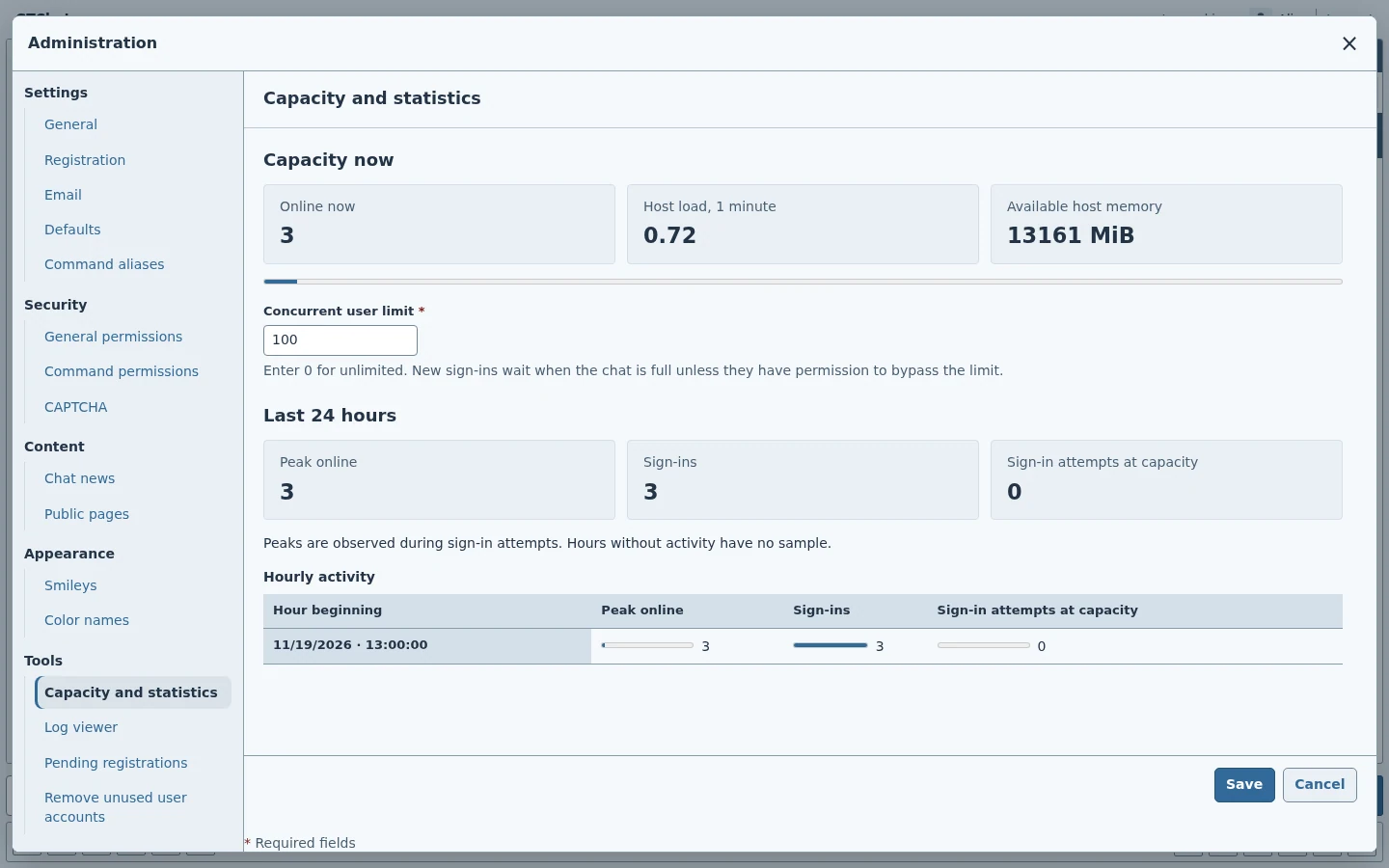
- Record the release/build and back up the initial configuration. Use the capacity tools to observe real usage before raising the seat limit.
Backups, upgrades, and rollback
Back up the matching code, site configuration, markers, account and room records, uploads and other required data. Stop application writers or take a consistent filesystem snapshot. Include the JSON settings and file identity markers with their corresponding data layout. Keep private backups outside the web root.
Restore and upgrade a copy first. Check the administrator account, profile display, guest policy, fixed file mappings, and old conversations after any migration. Refreshed clients need the templates and assets from the same build. Roll back using a coherent copy of both the application and the runtime state.