

Screenshots
Explore the Alpha’s chat, public pages, profiles, and administration. Select a screenshot to enlarge it.
Chat and conversations
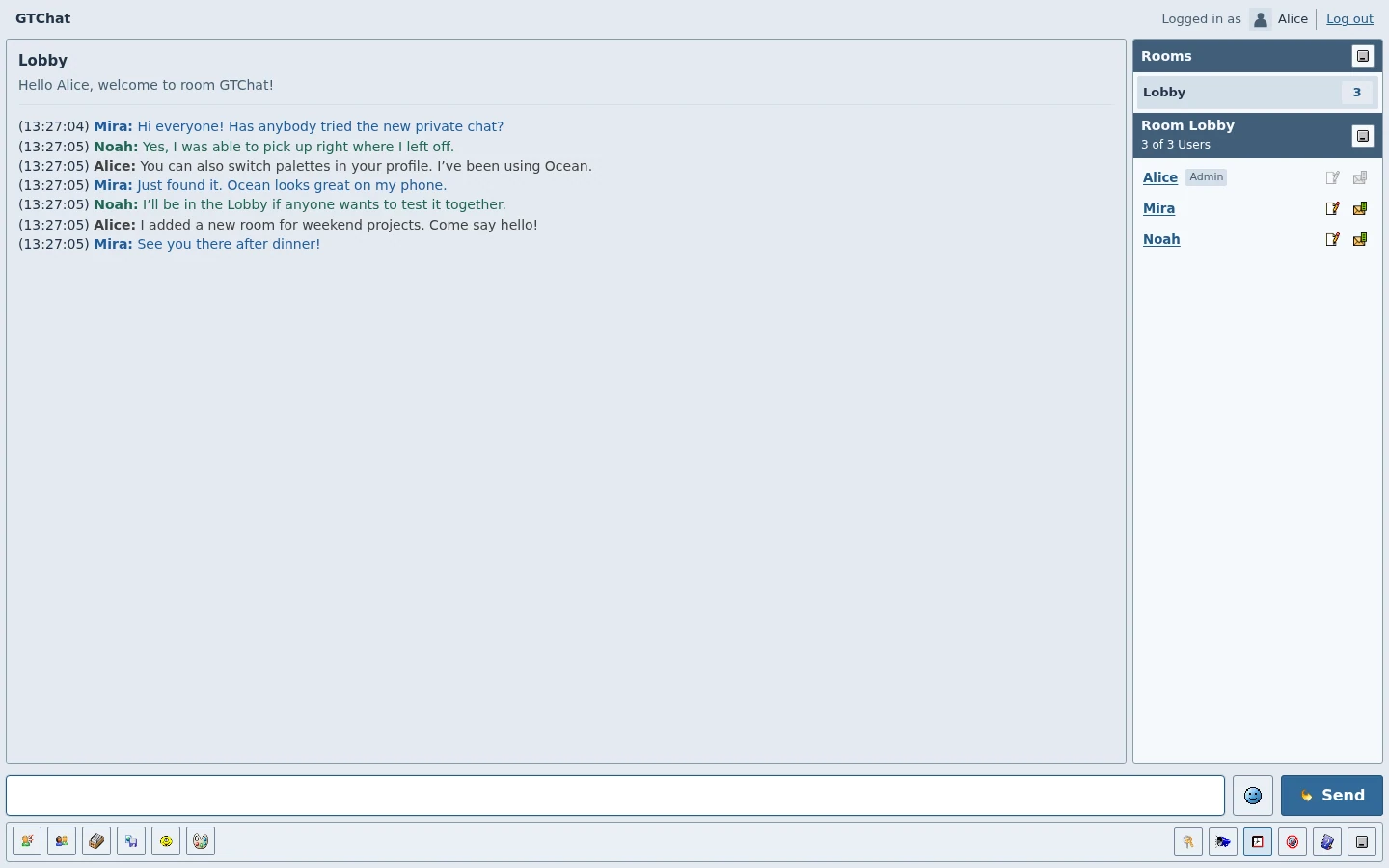
The room transcript, composer, toolbar, and member list in the Lobby.
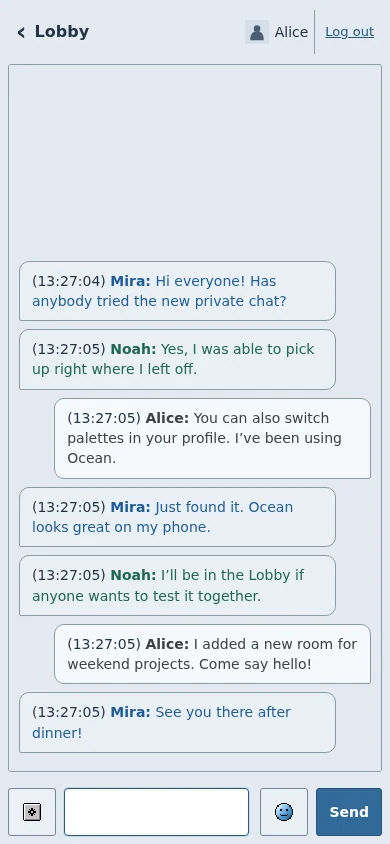
Message bubbles and the composer in the mobile room view.
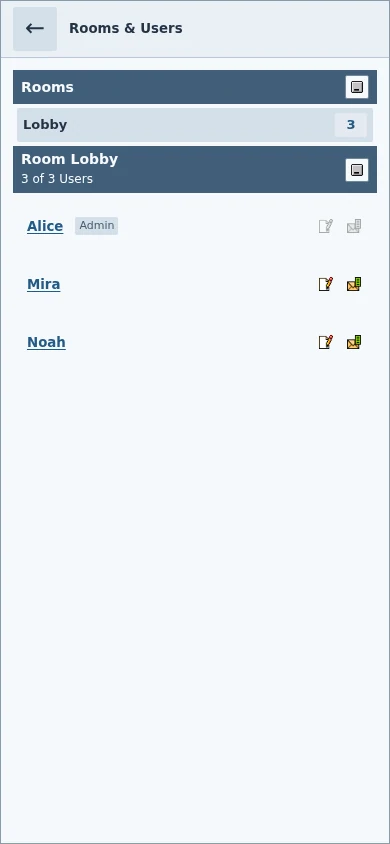
The mobile drawer opens from the room name and shows both lists.
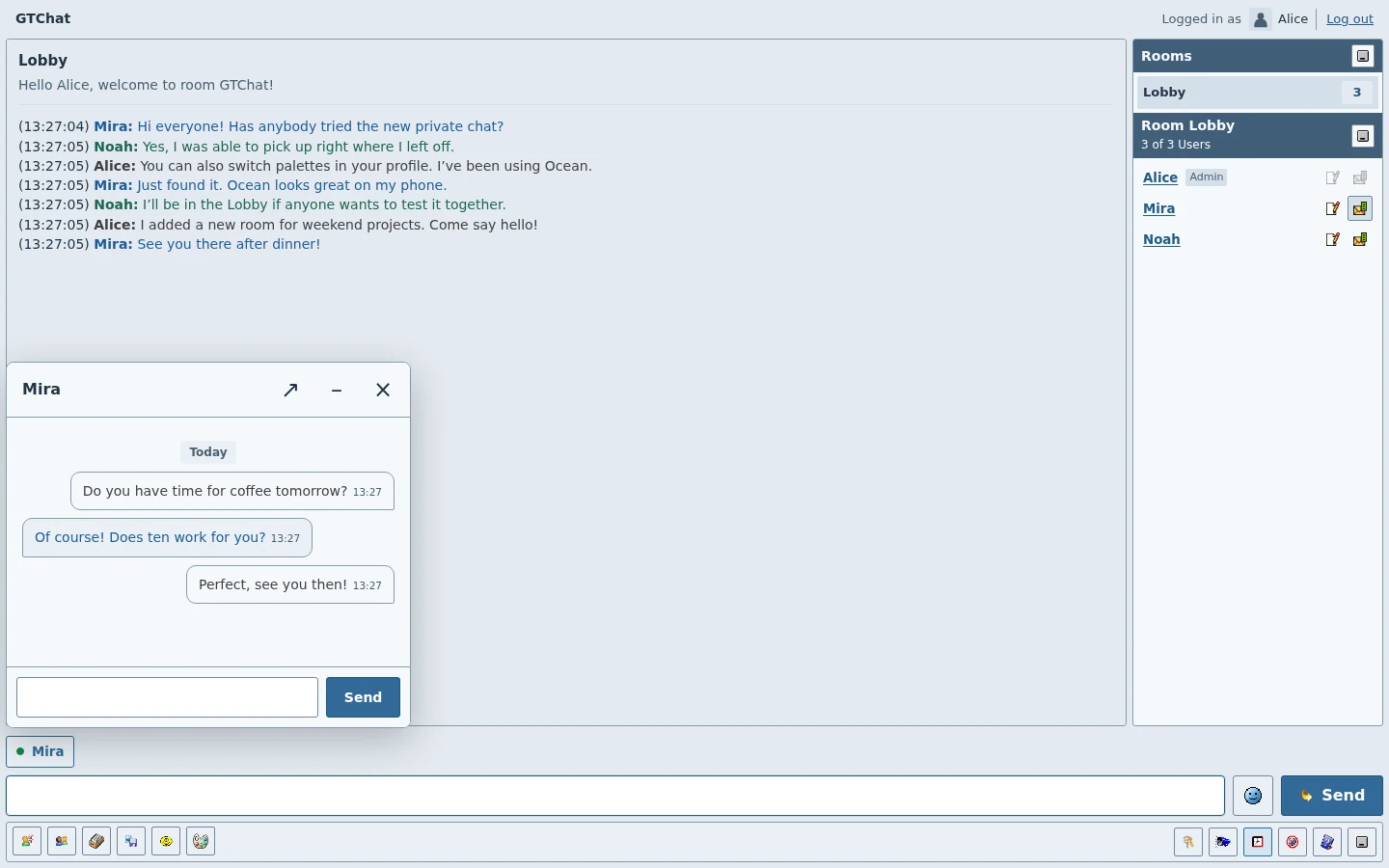
An open private conversation with timestamped messages and its own composer.
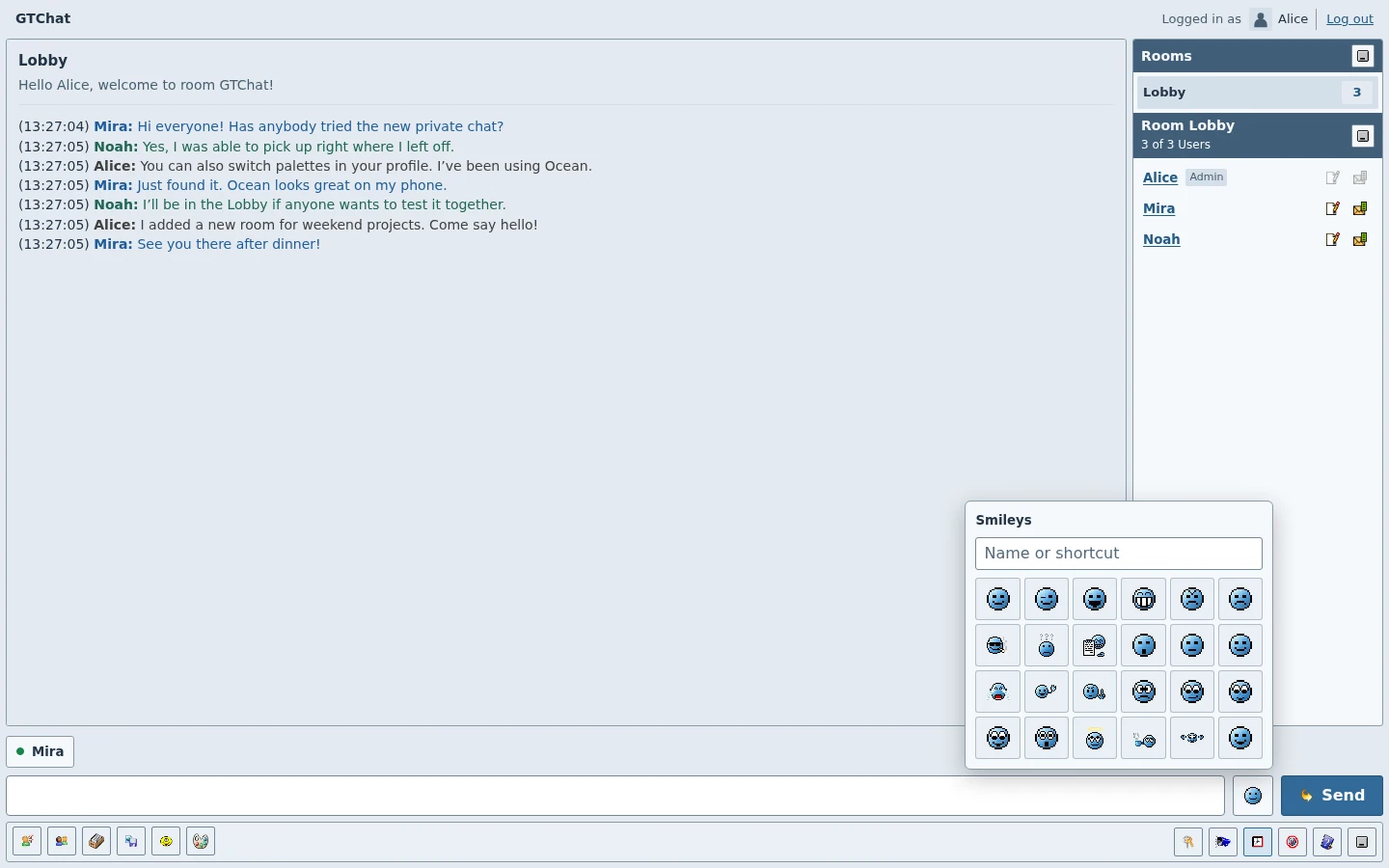
Choose an original GTChat smiley next to the message field.
Public pages and accounts
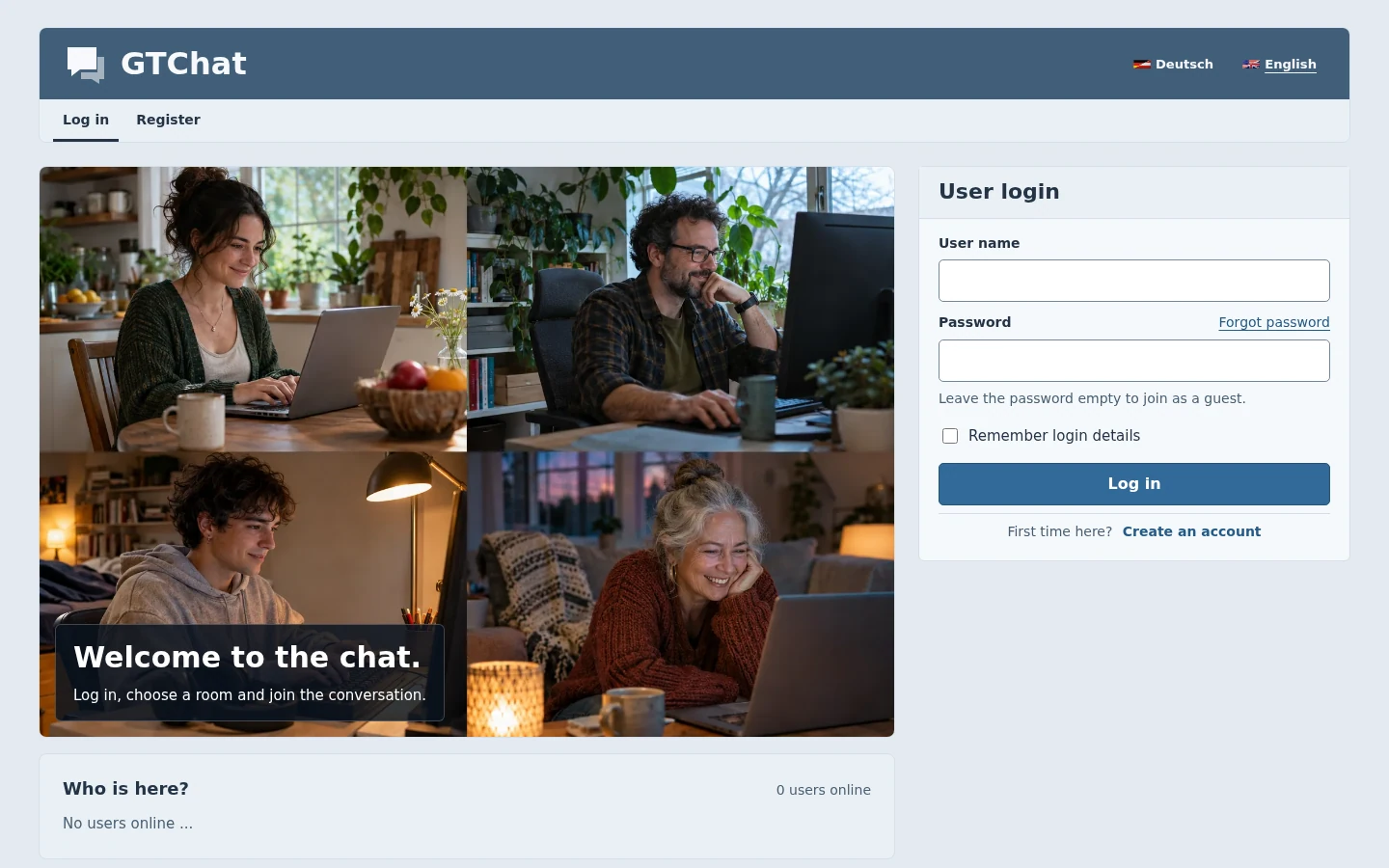
The public welcome page and sign-in form.
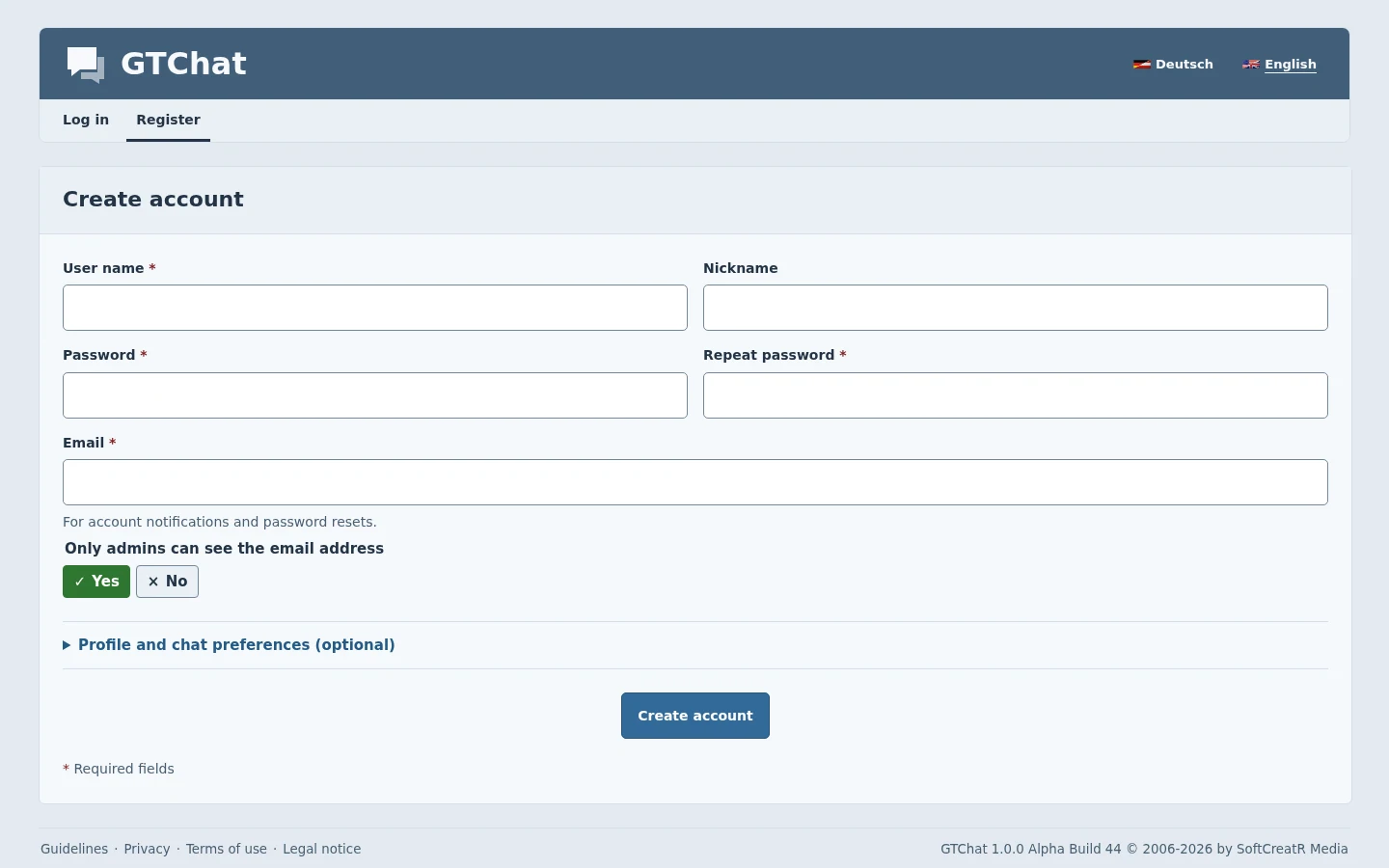
The fields and sections available with registration enabled.
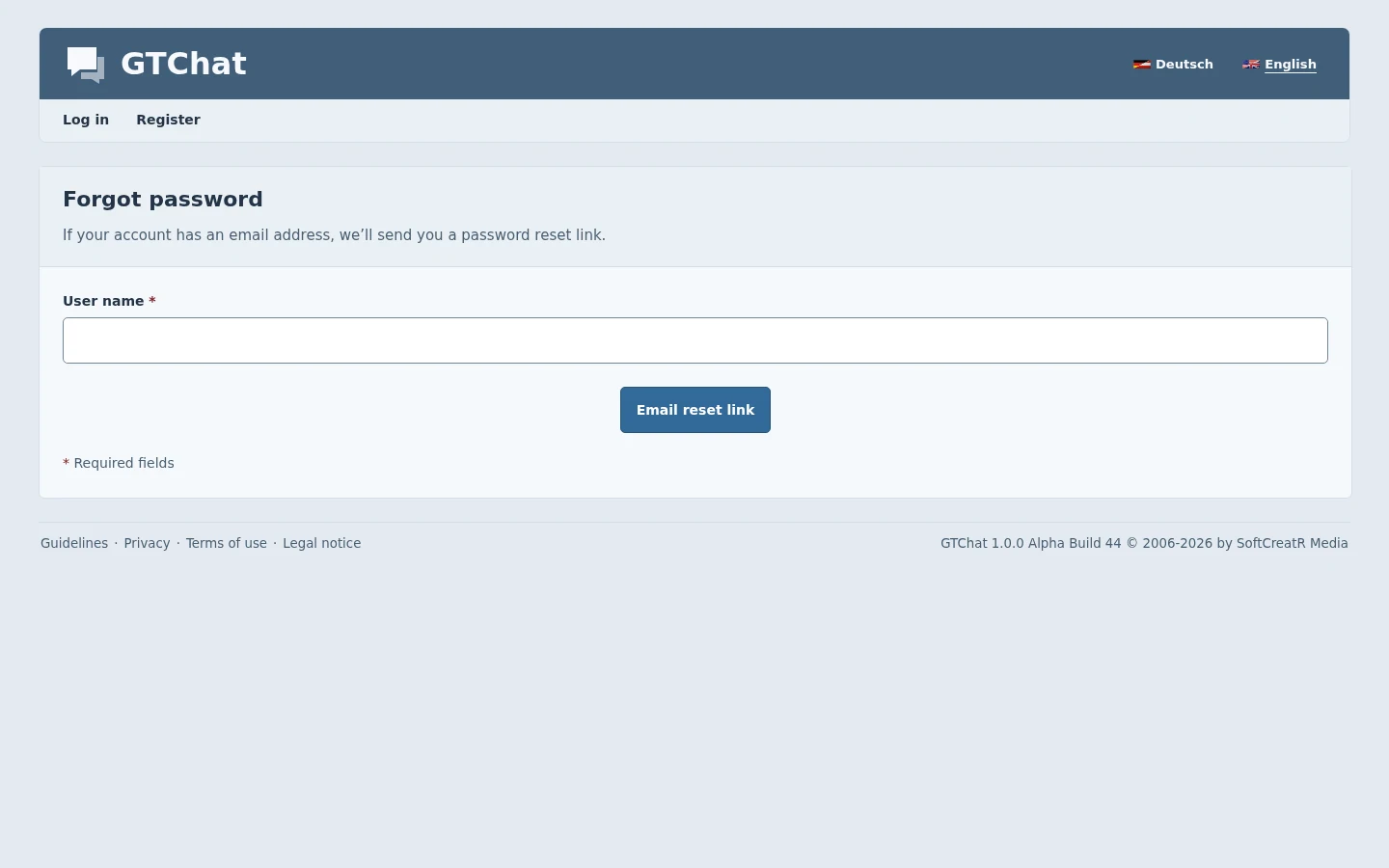
The public form for requesting a password-reset link.
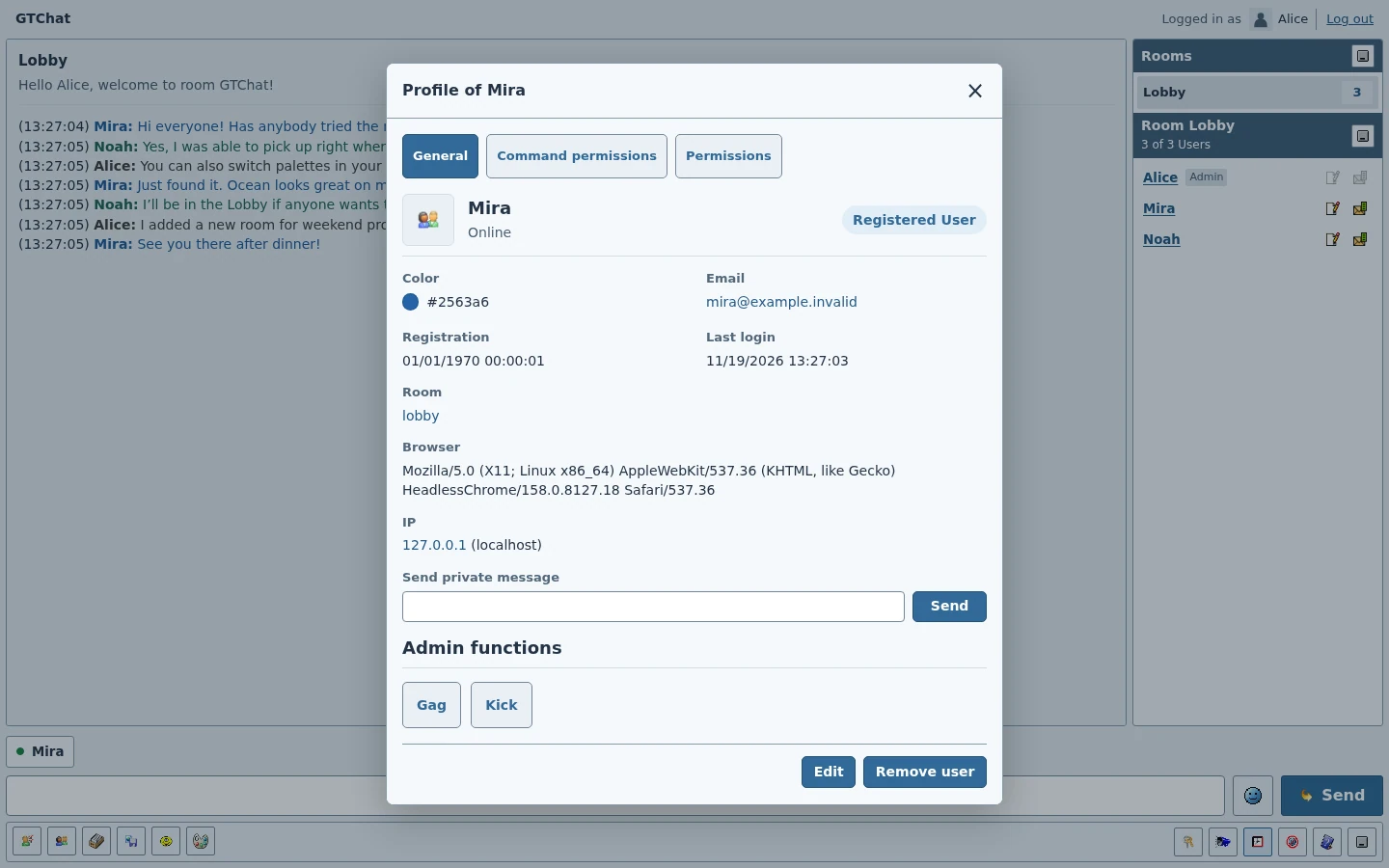
The public profile details shown to signed-in chat members.
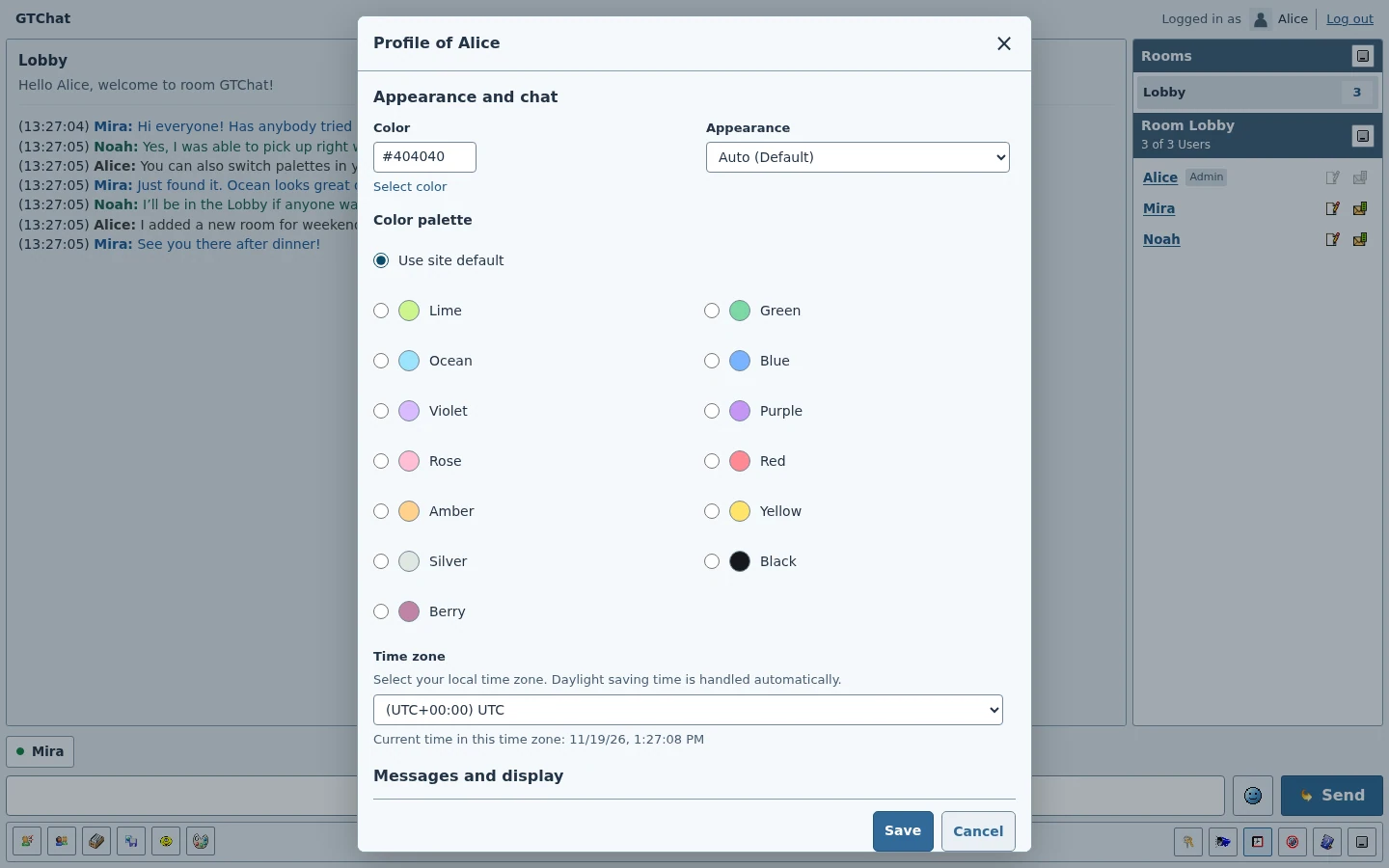
The profile editor's palette and display settings.
Chat news
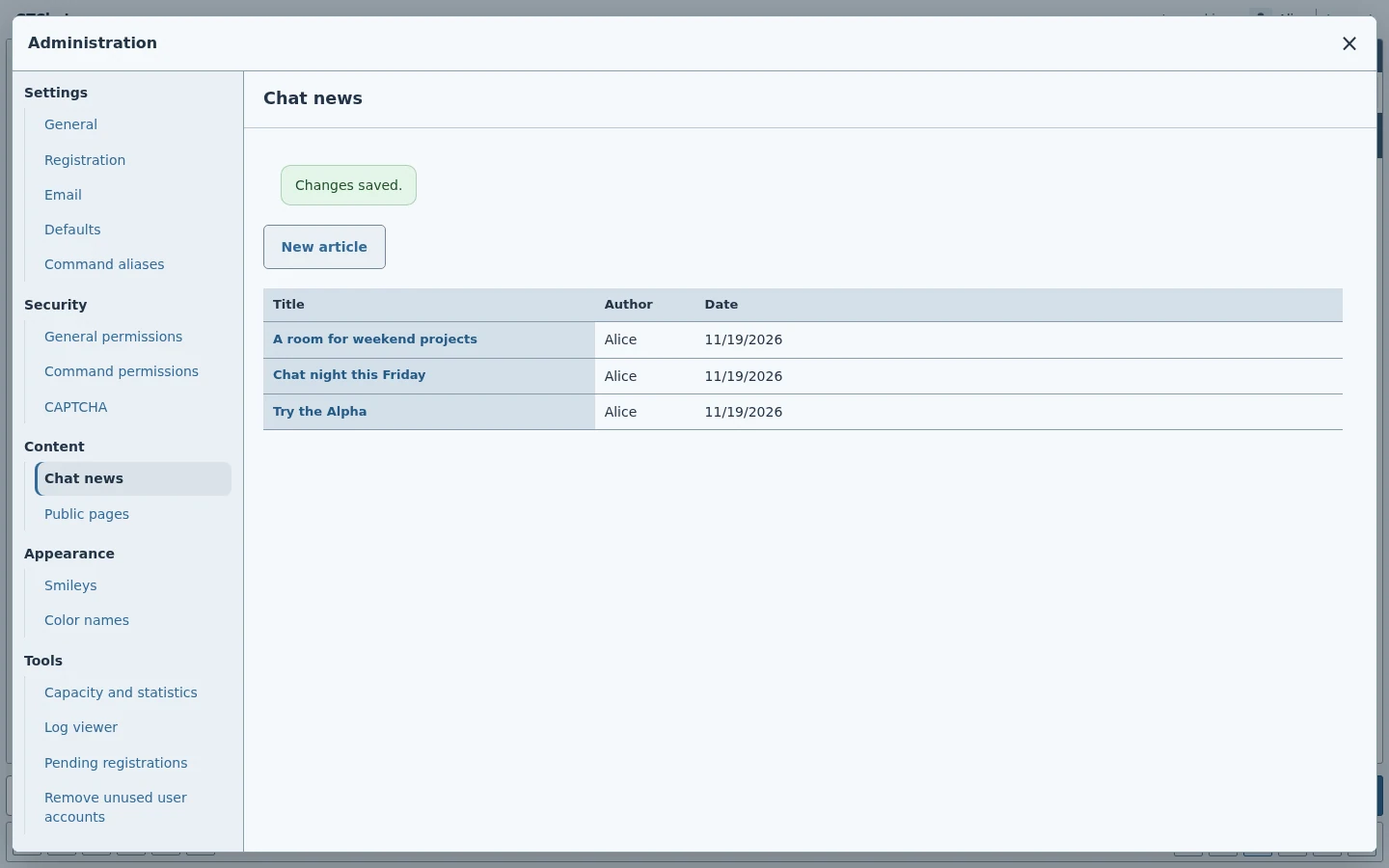
Review the published titles, bylines and dates.
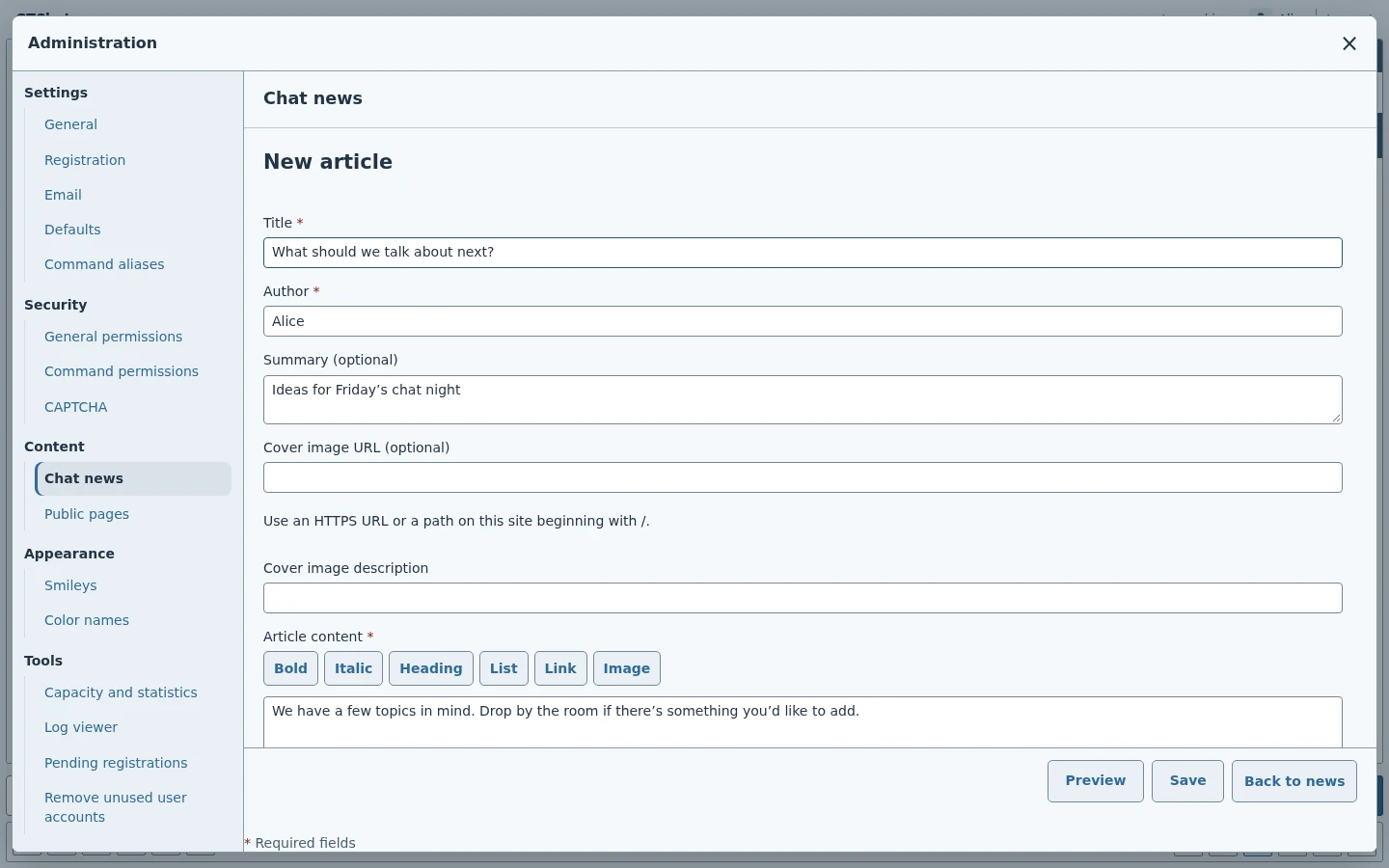
Enter a headline and byline, format the body, and preview the article.
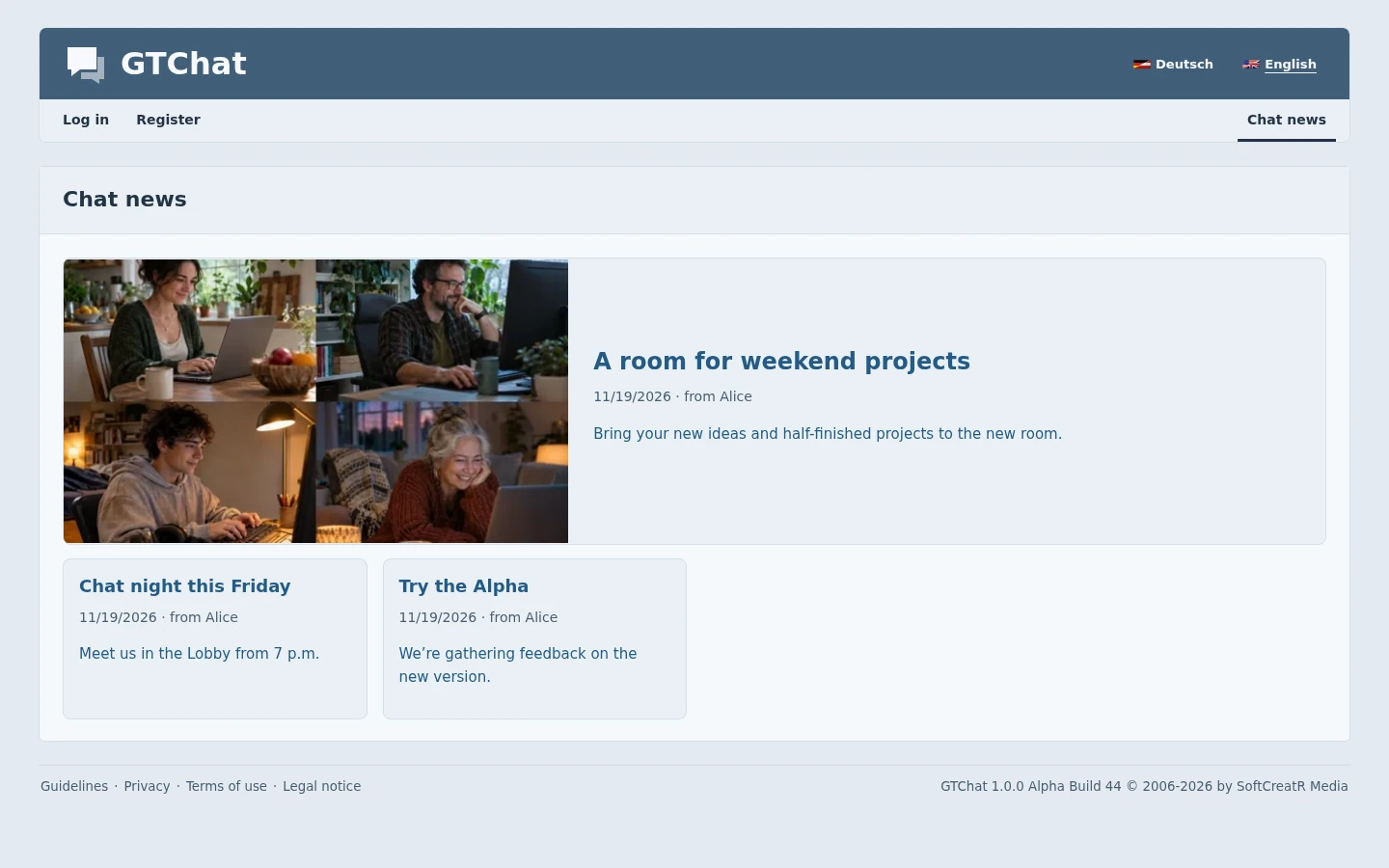
Visitors can browse the published articles.
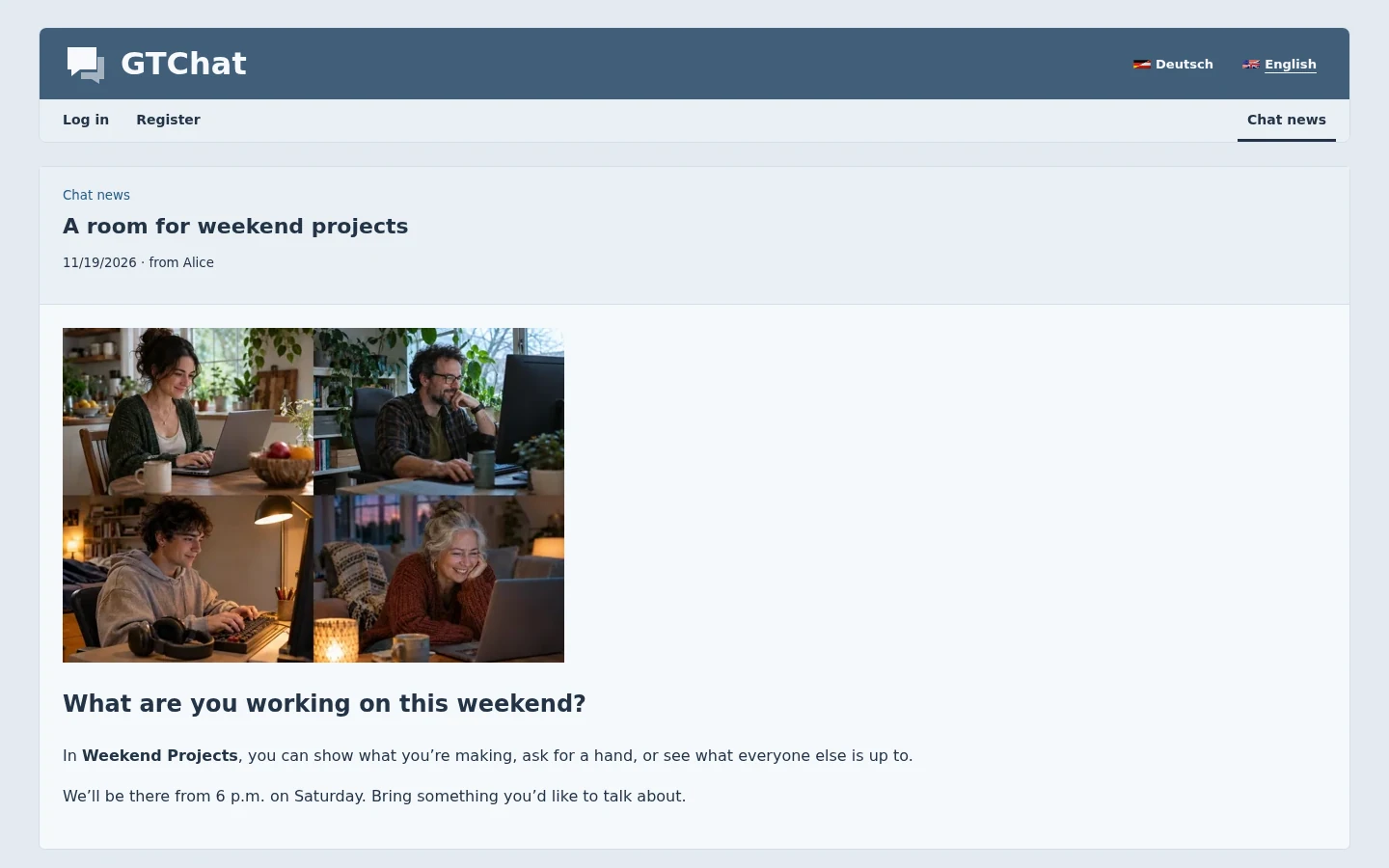
The full article with a byline, cover image, and formatted text.
Administration
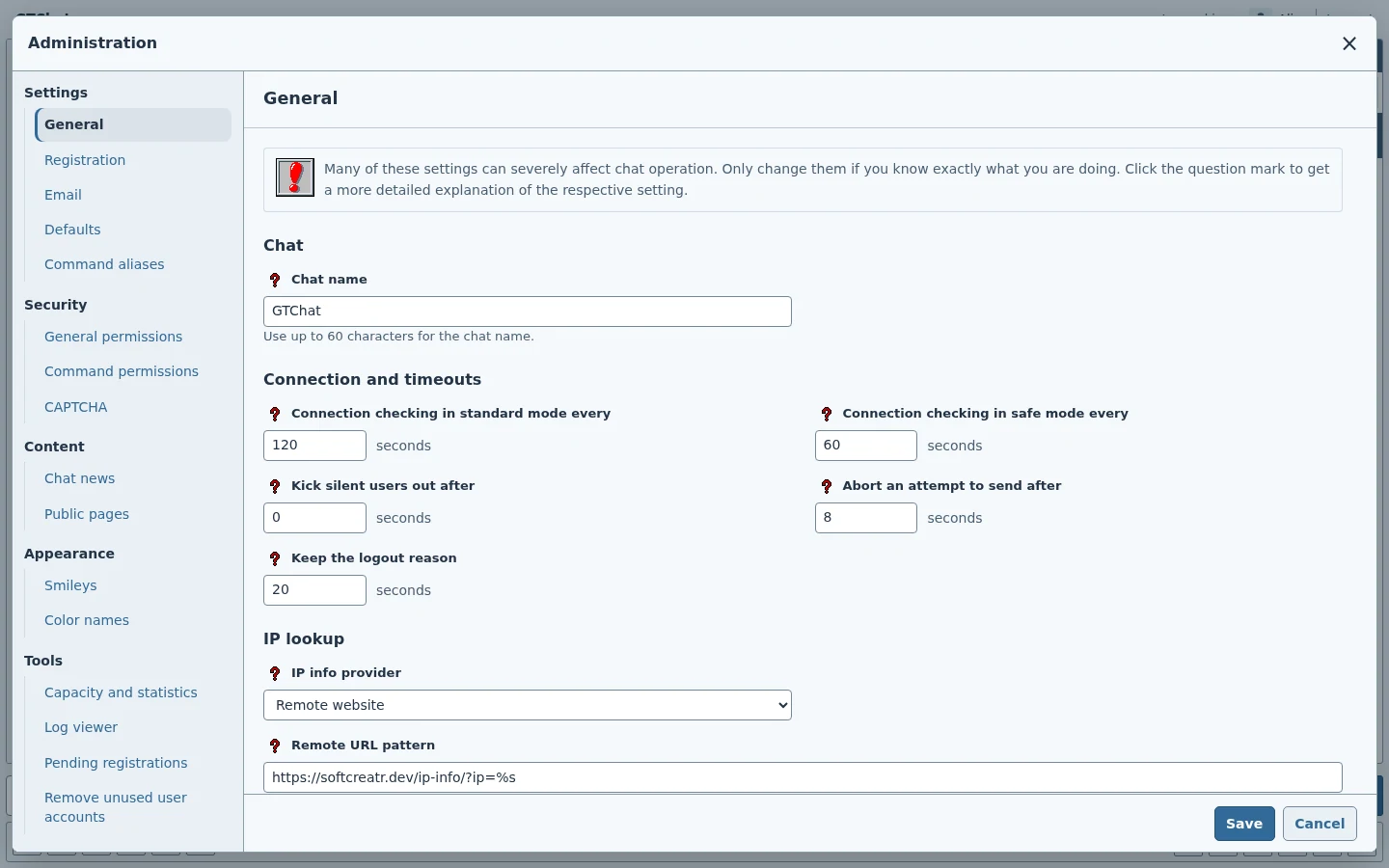
The administration workspace and its General section.
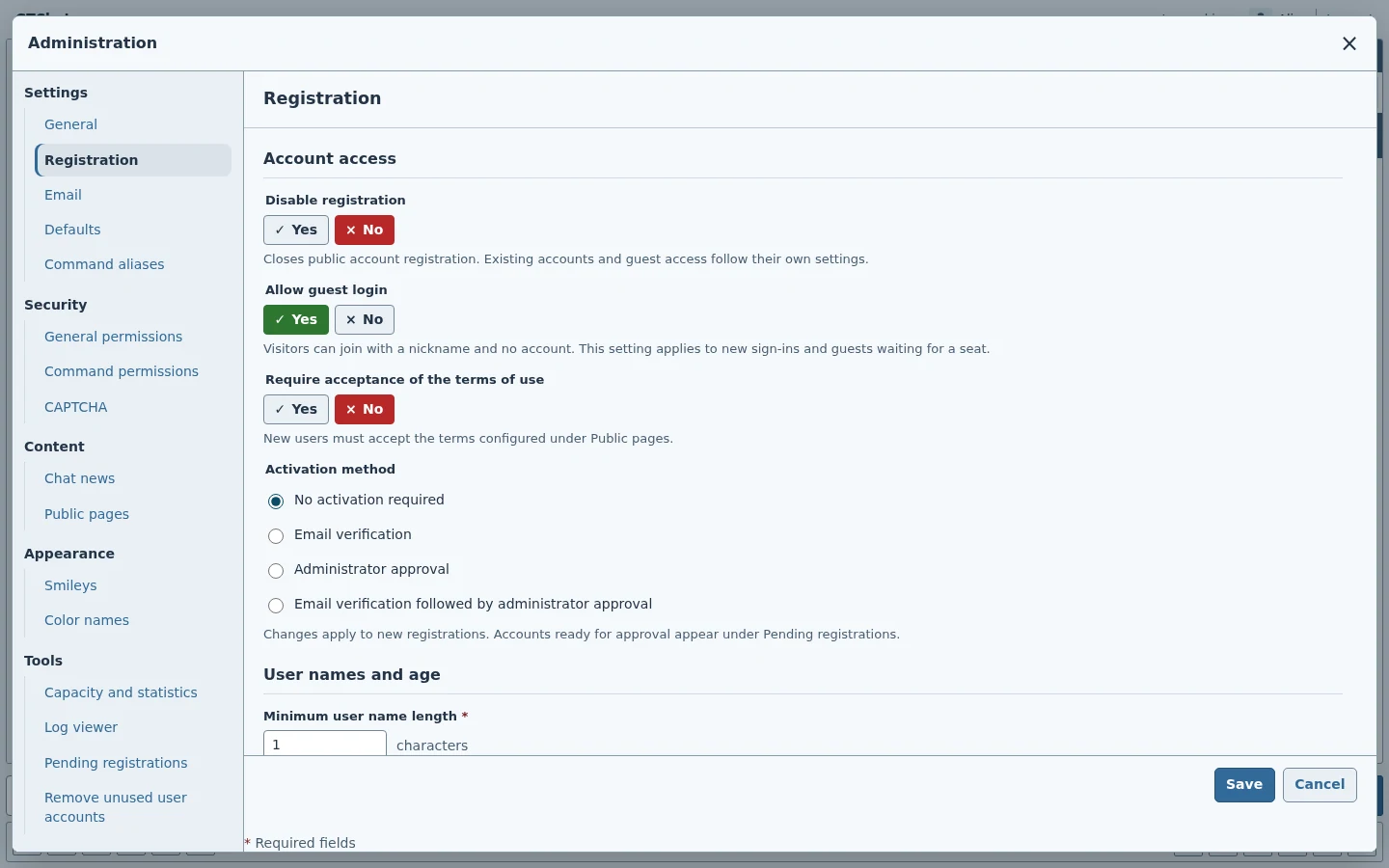
Guest access, terms, minimum age, and account activation.
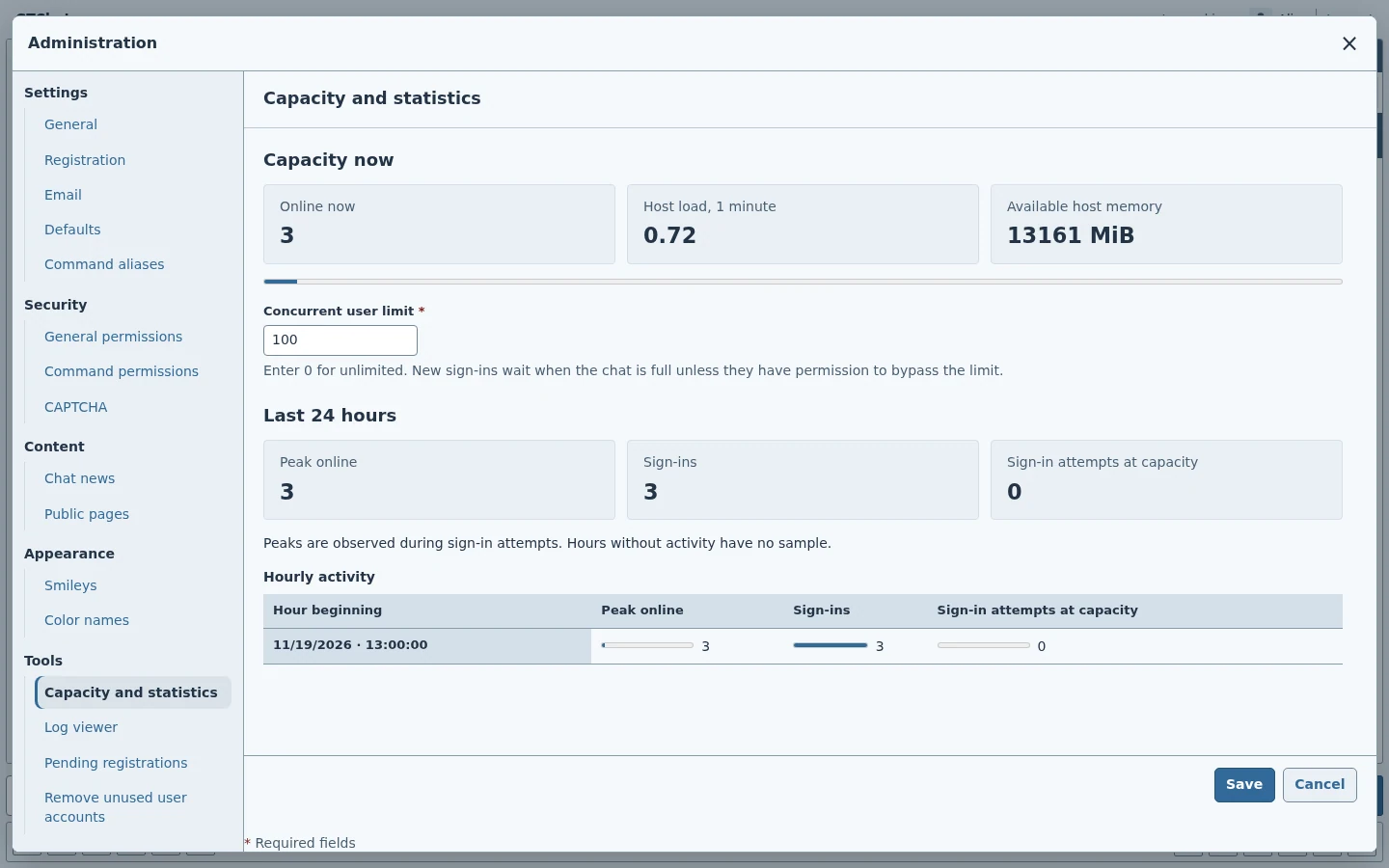
Administration's capacity controls and diagnostics.
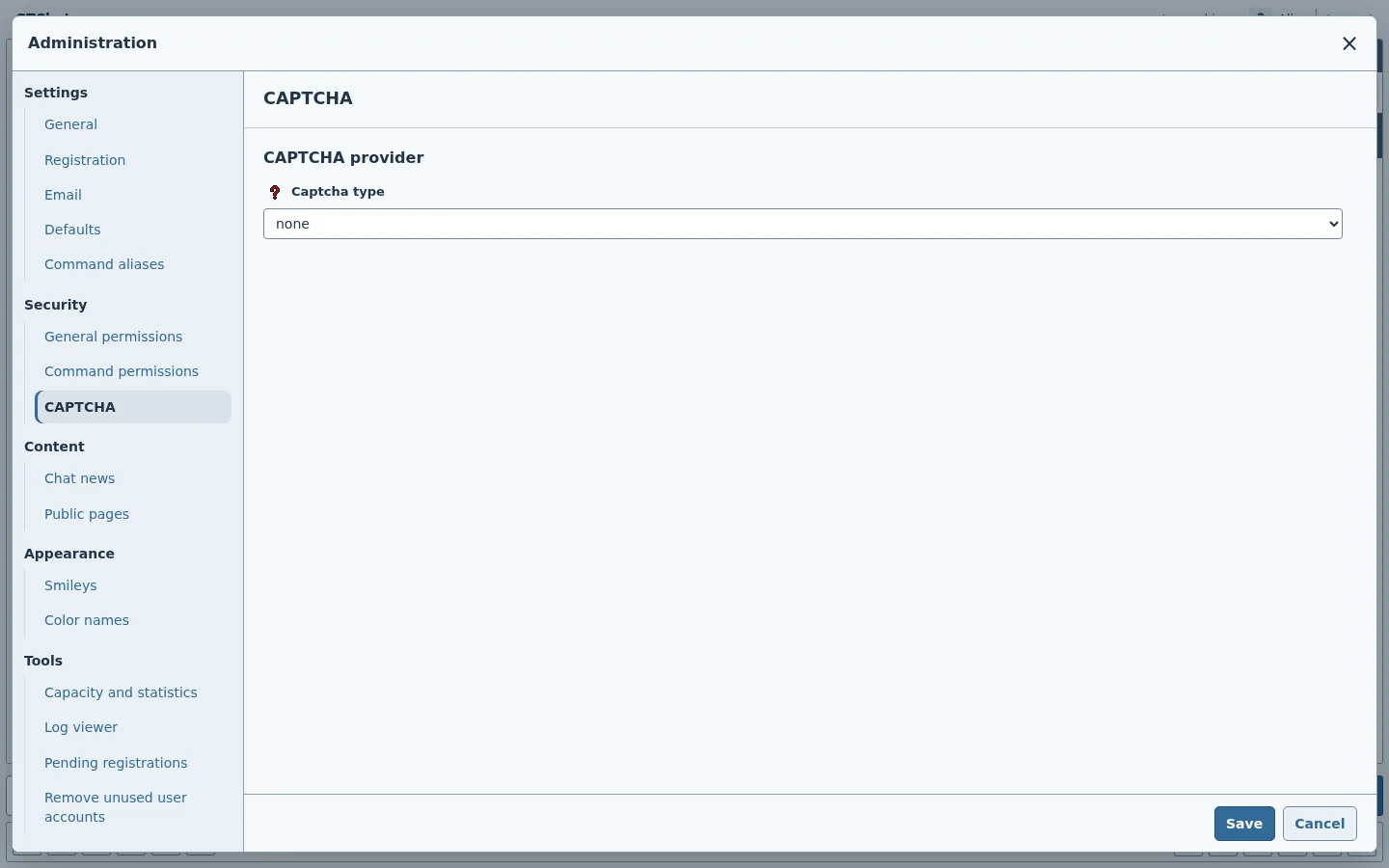
Provider selection and the forms it protects.
Permissions, appearance, and tools
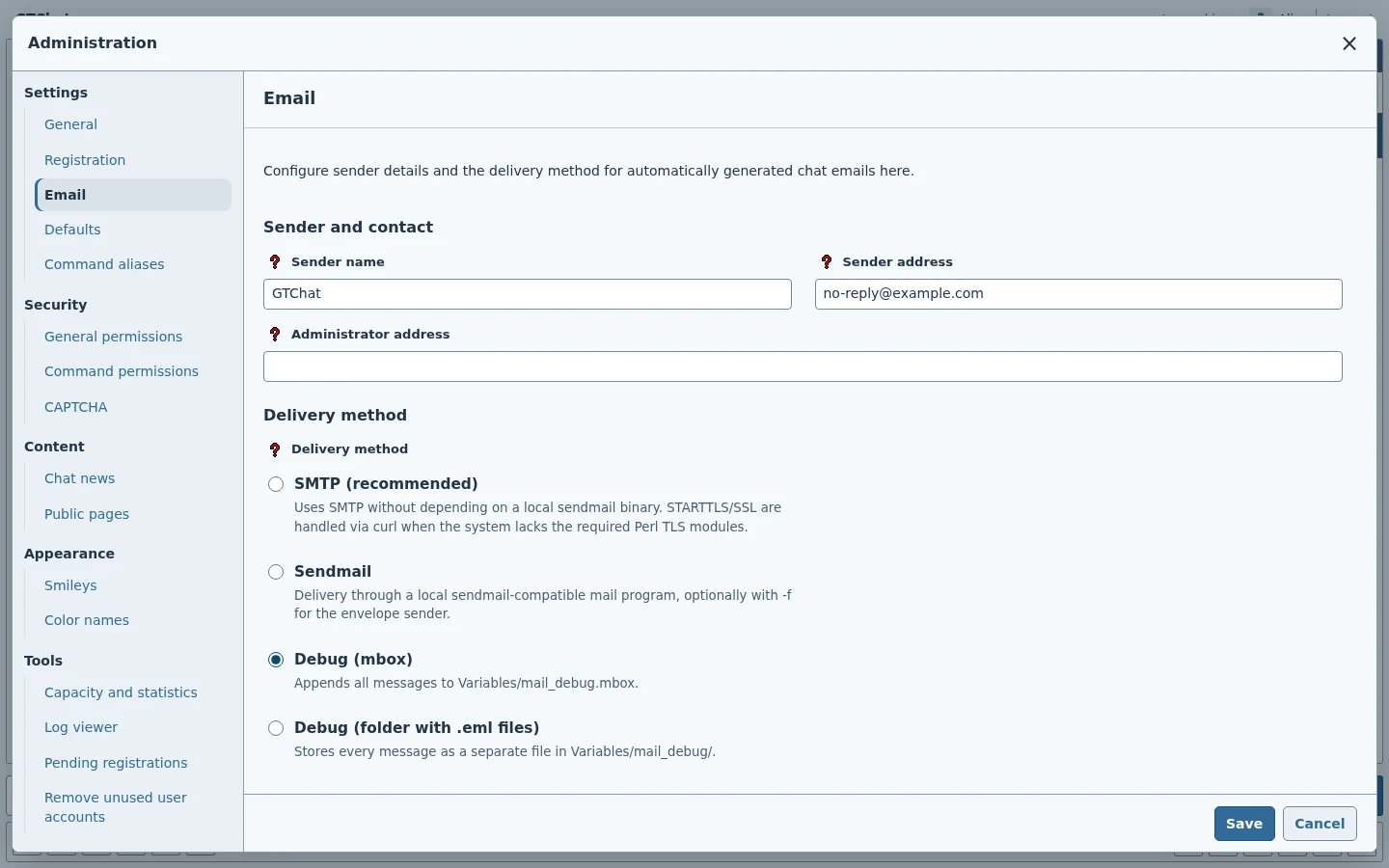
Sender settings, delivery methods, and SMTP configuration.
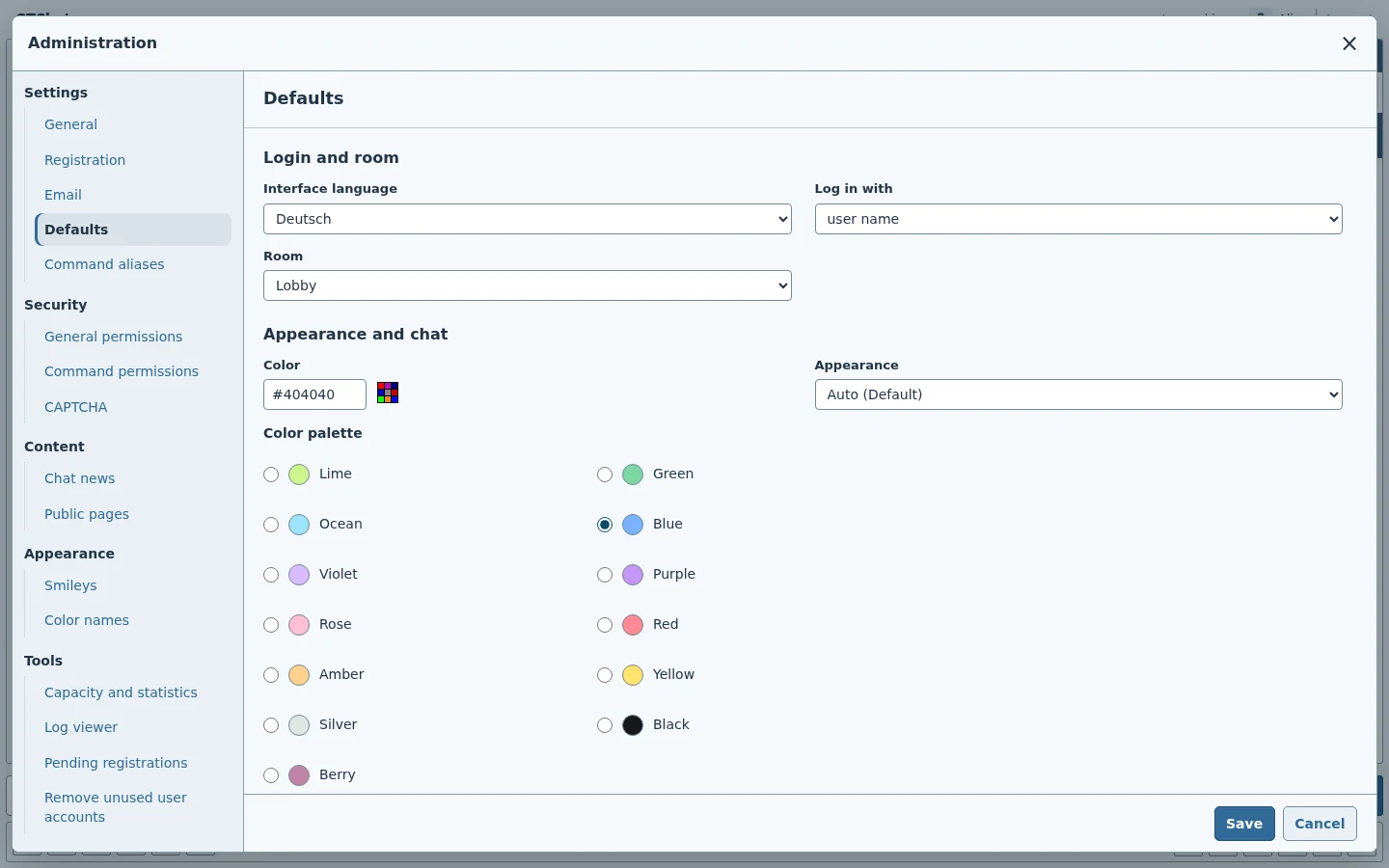
Default login, room, appearance, and message settings.
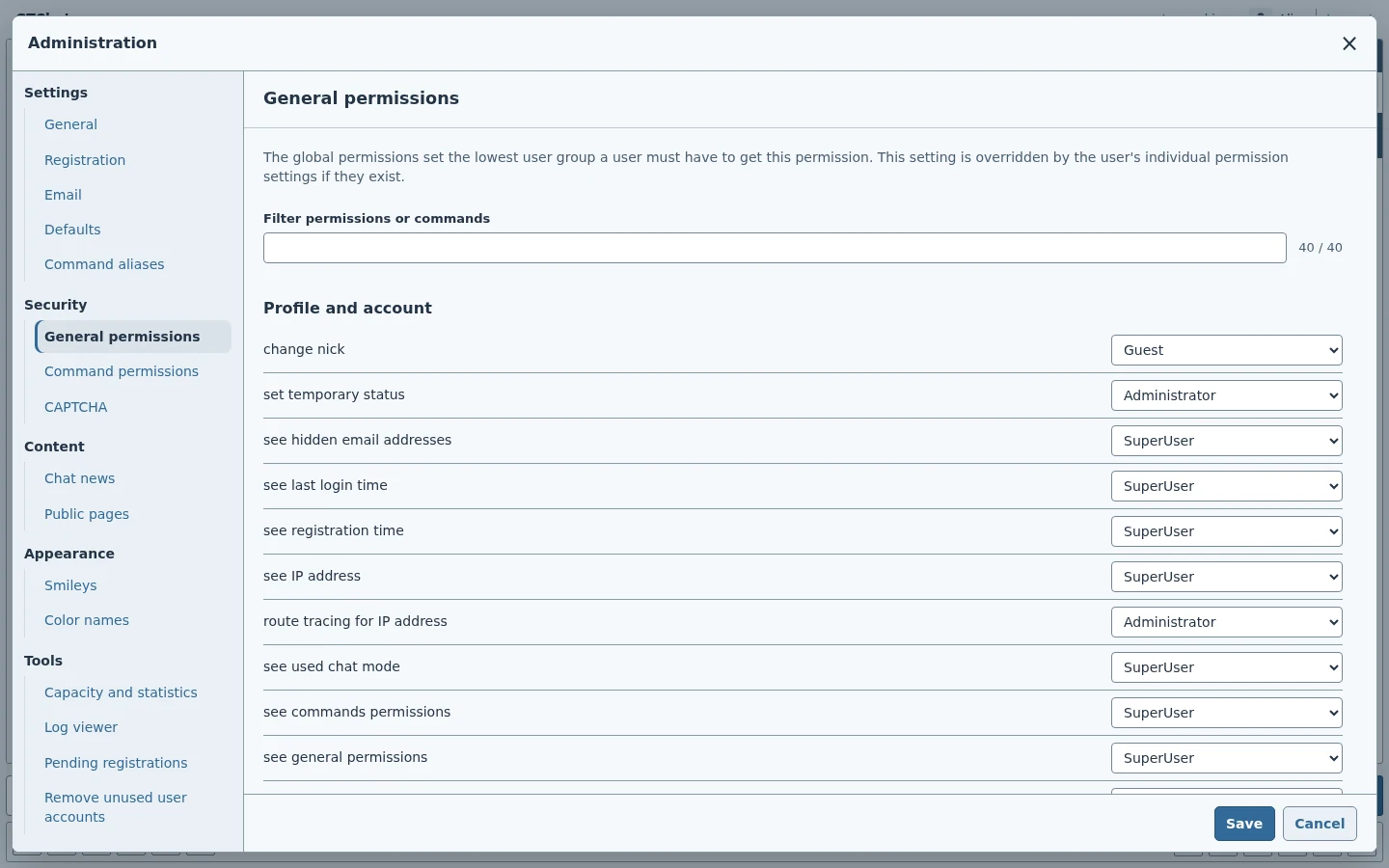
Set the minimum role for chat and administration features.
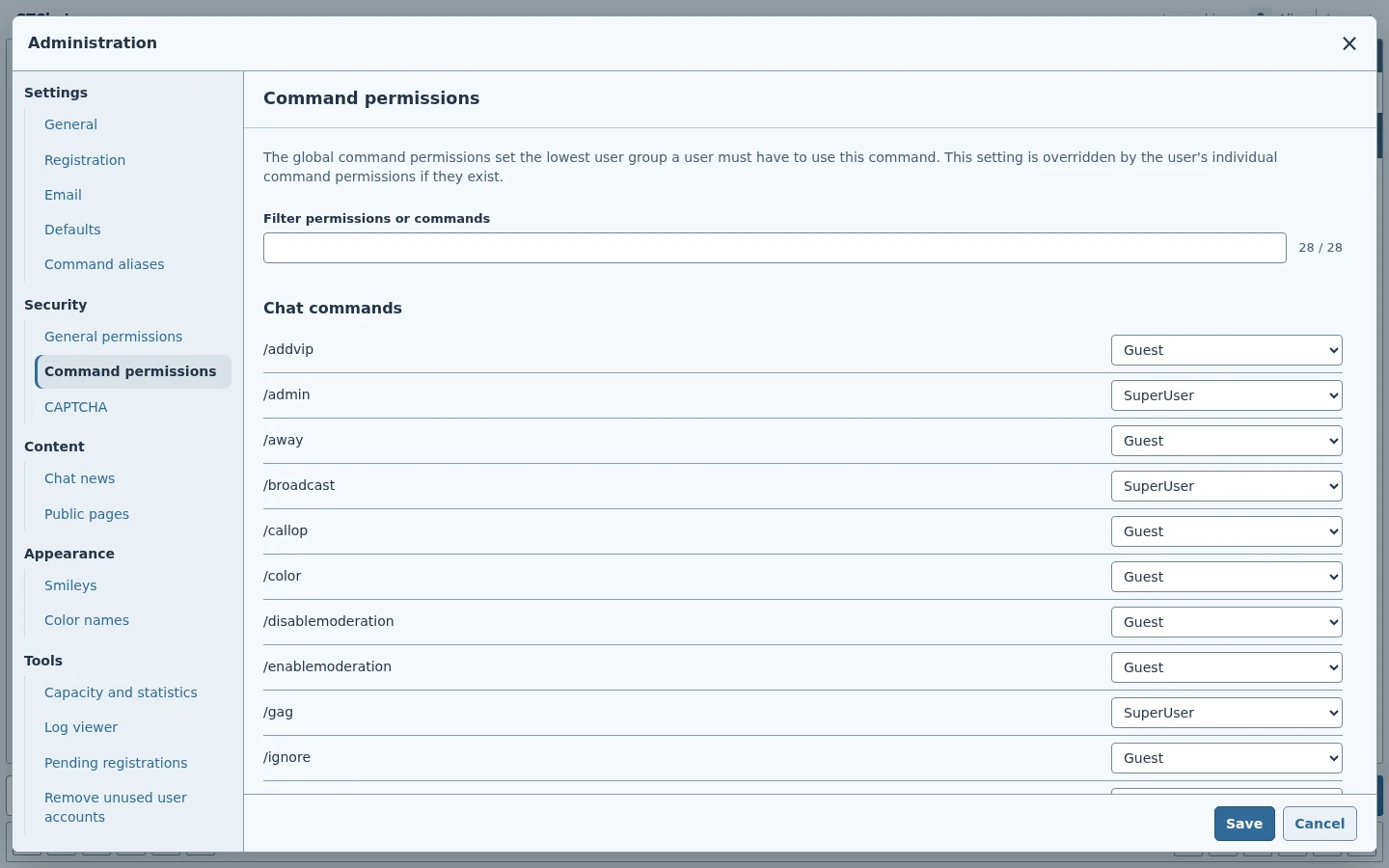
Set the minimum role for individual slash commands.
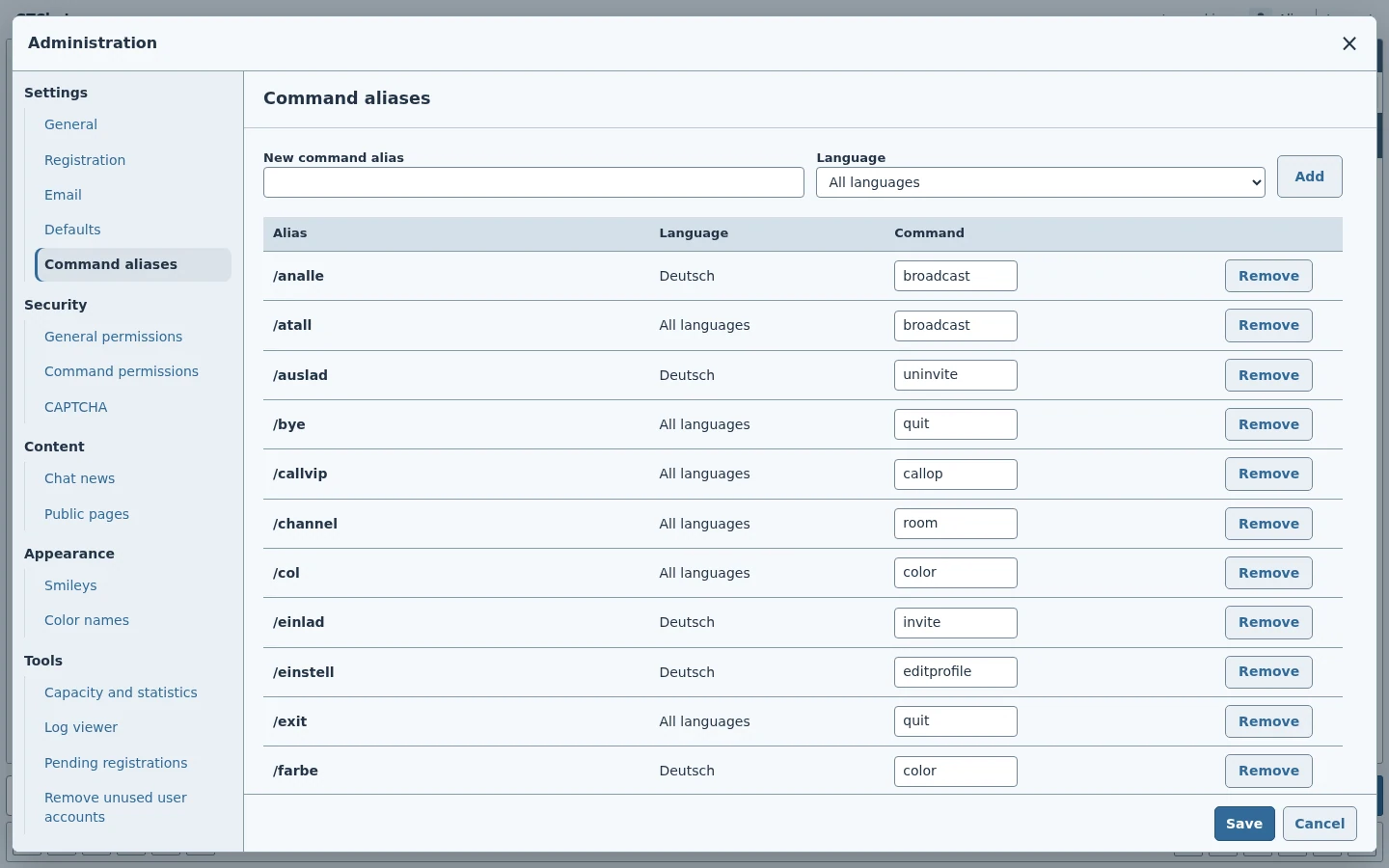
Create additional command names for specific languages or the whole chat.
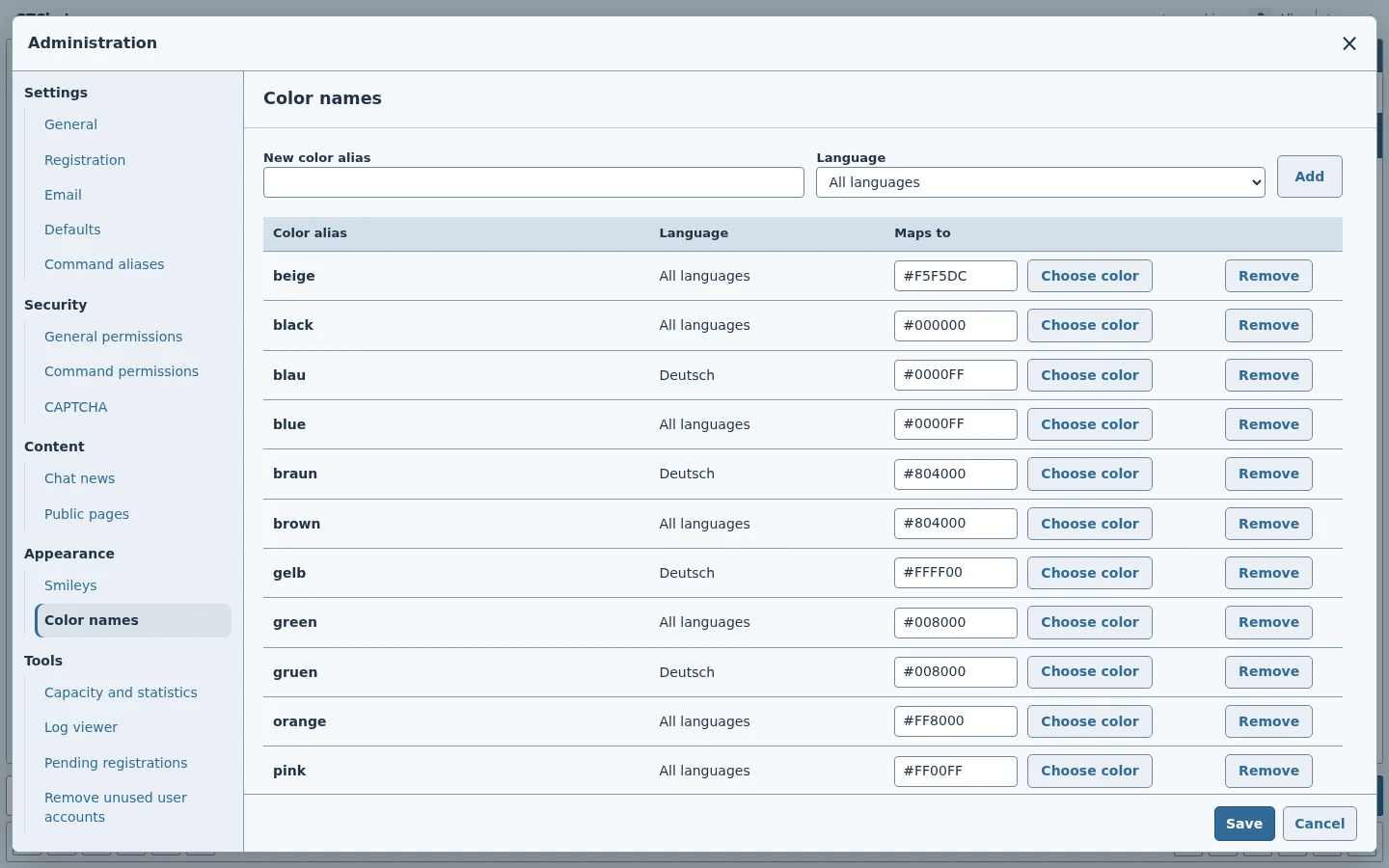
Map names used in chat to color codes.
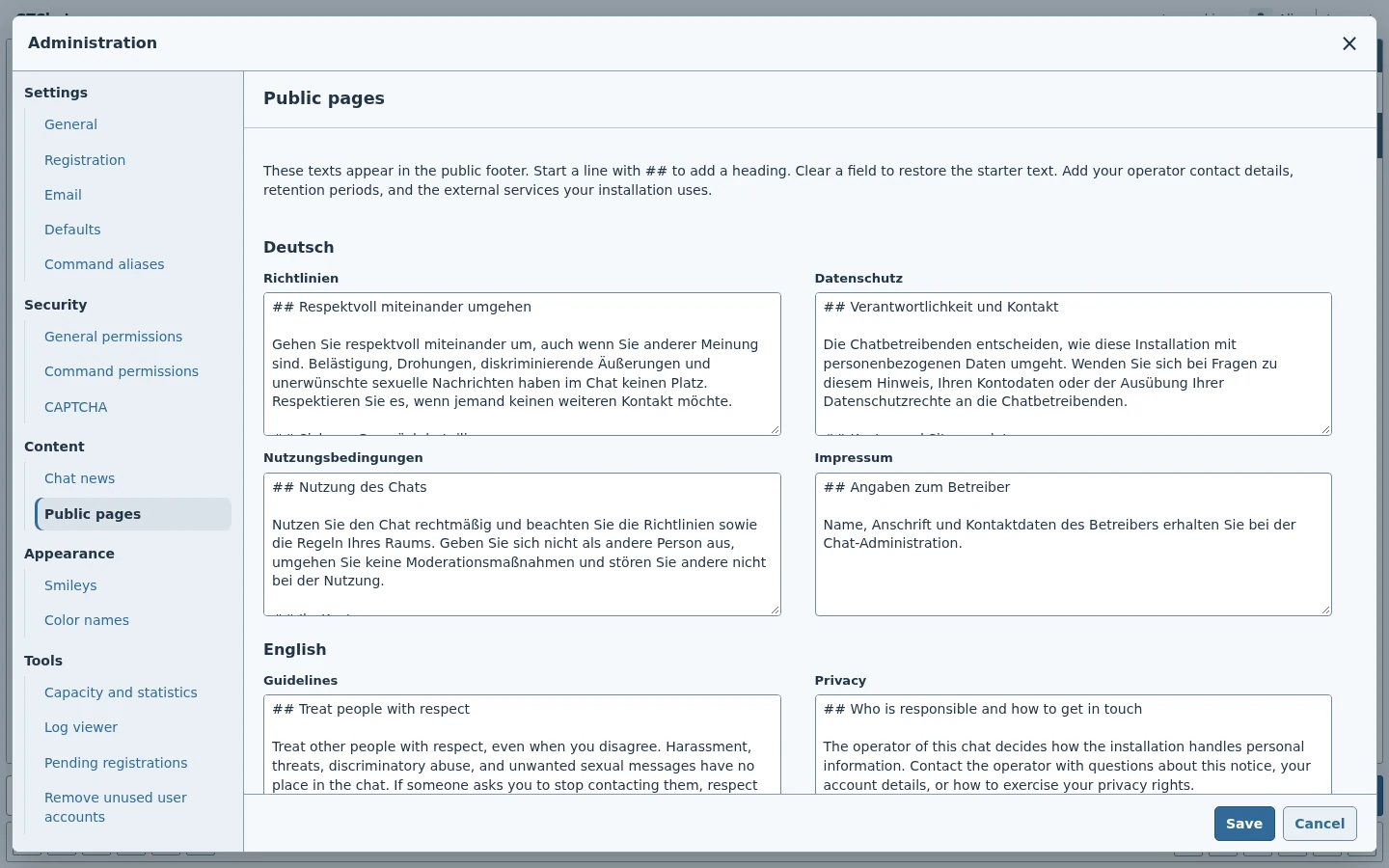
Edit the guidelines, terms, privacy notice, and imprint by language.
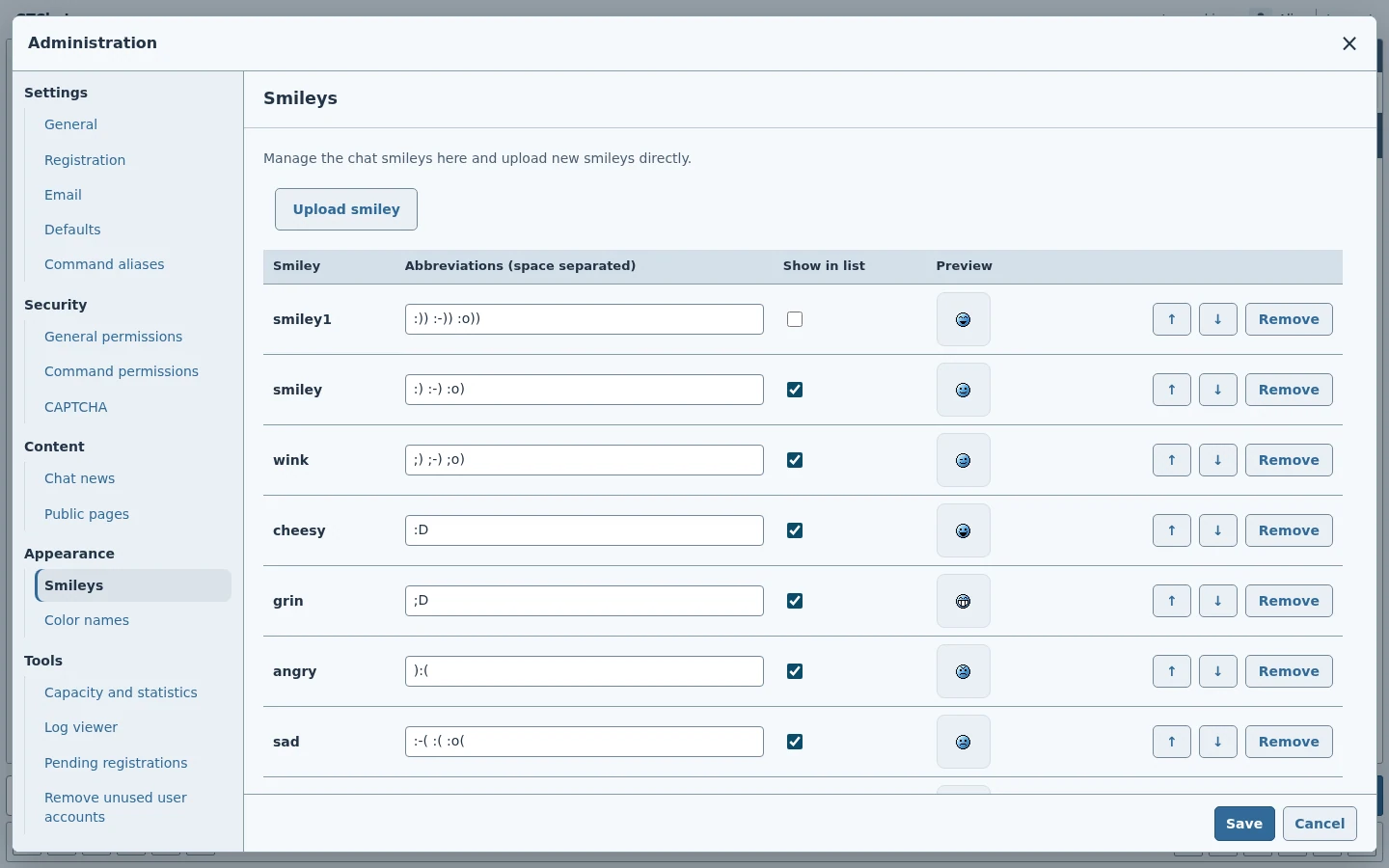
Manage shortcut text and images for the built-in picker.
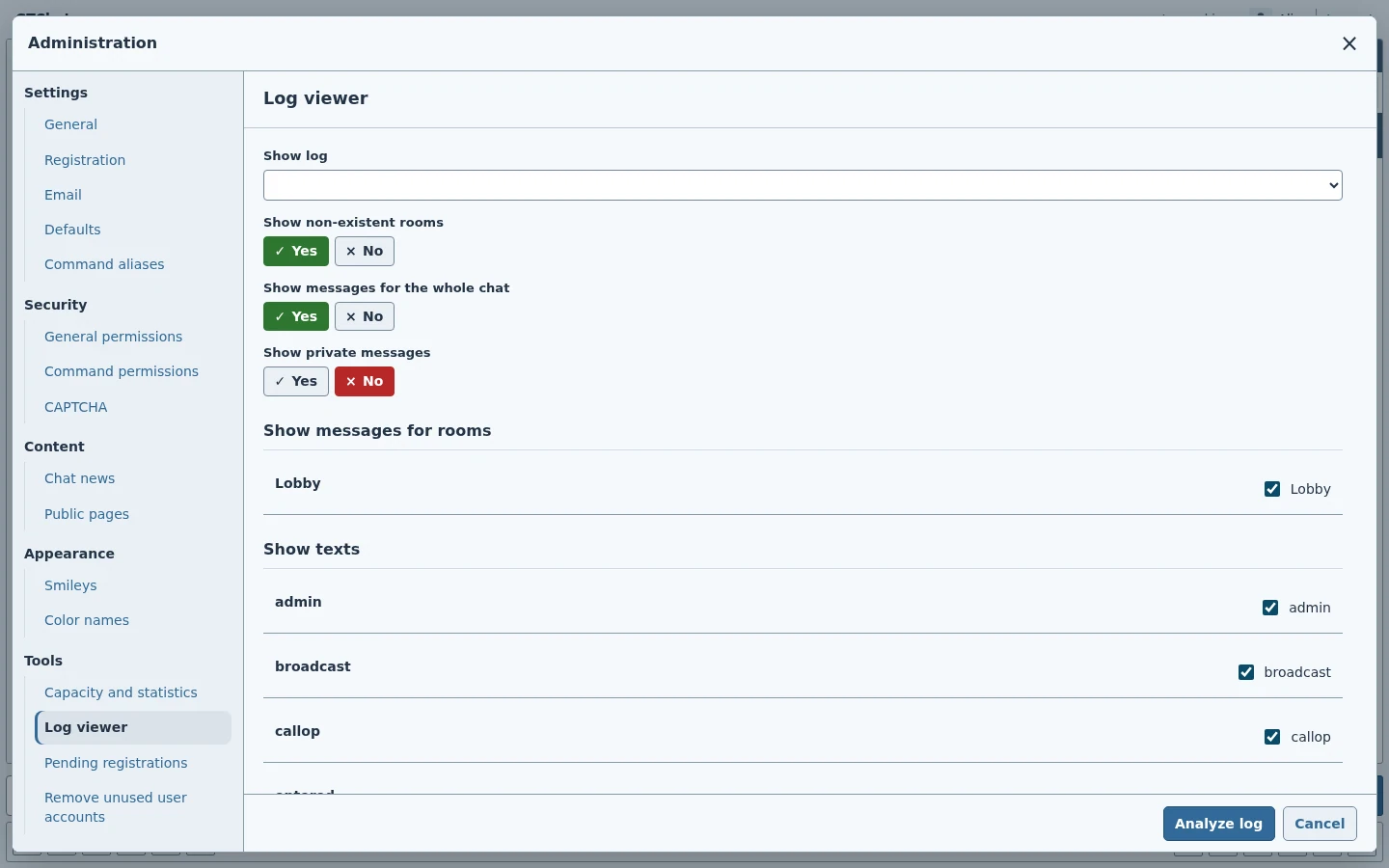
Choose rooms and event types when reading chat logs.
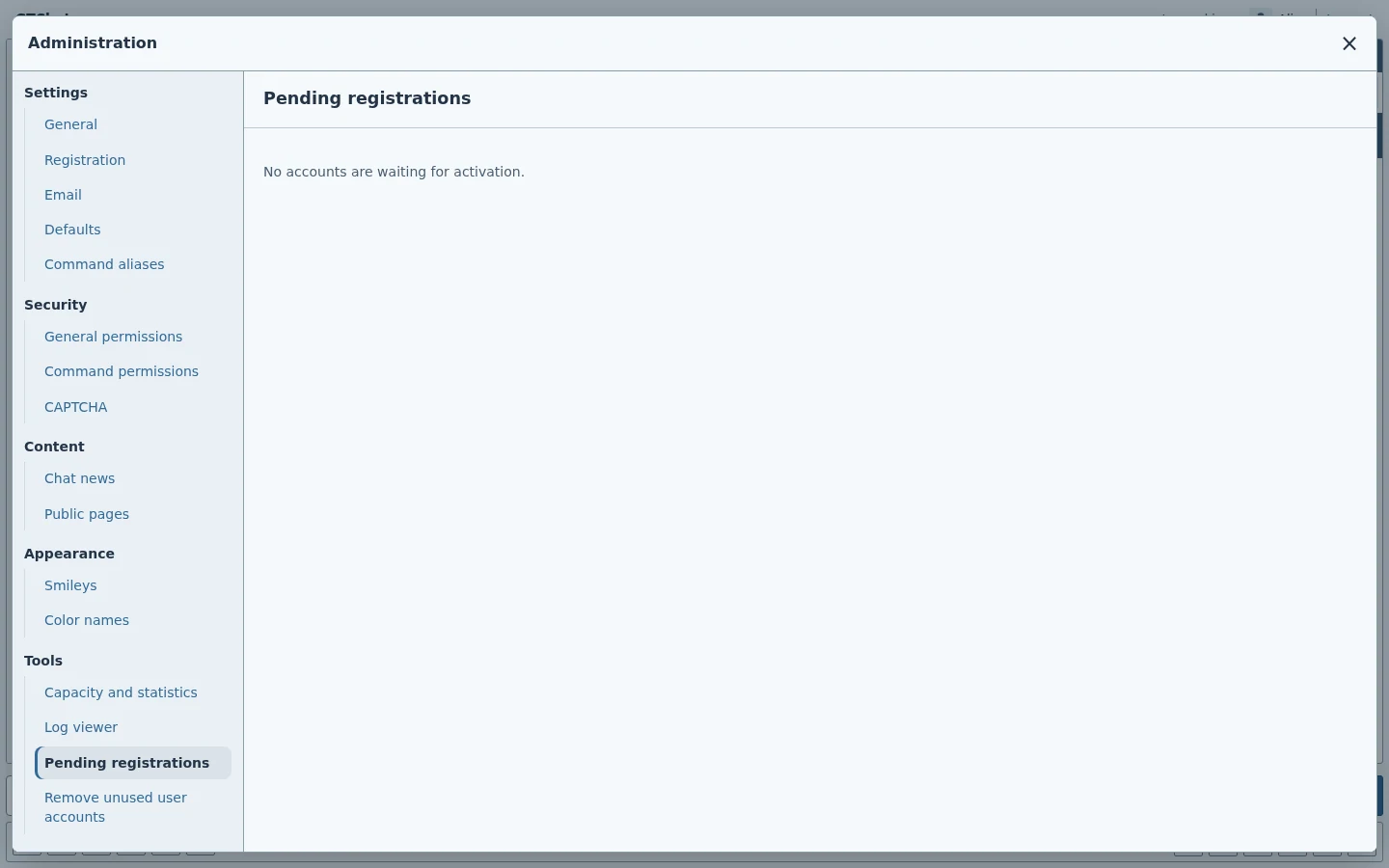
Review the queue for accounts requiring approval.
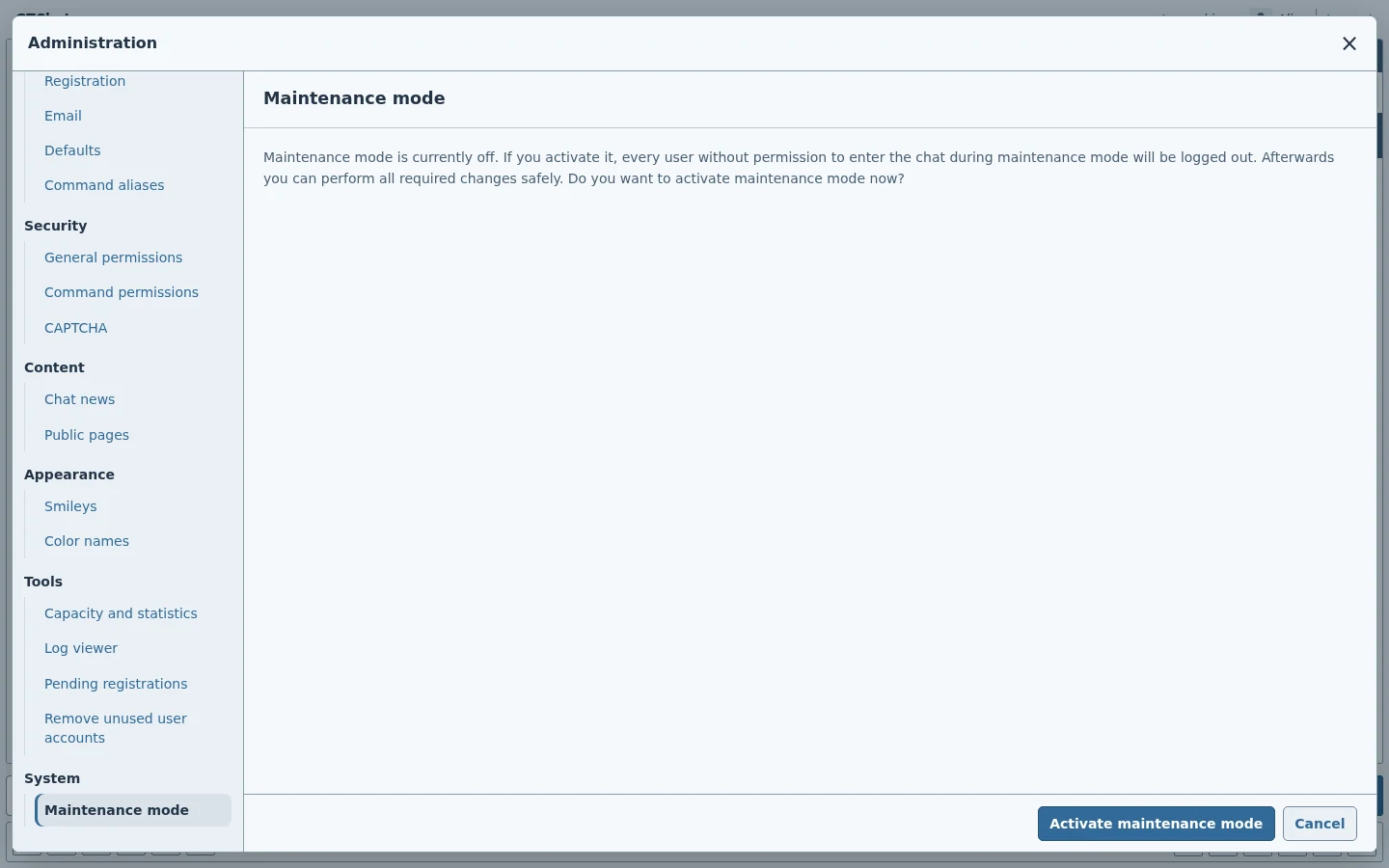
Set the availability of the chat during maintenance.